
Q&A · MacBook Repair Dubai
MacBook Pro M4 - 2 Monitors Fix
M4 Pro MacBook Pro fails to detect dual external monitors? Common causes and fixes for Thunderbolt 4 multi-display issues at Azizi Technologies Dubai Media.
4.9 · 645 reviewsTwo Dubai workshopsMon-Sat 9AM-7PM19 years in Dubai
Quick answer
- Main workshop
- Concord Tower, Media City
- Second office
- IT Center Building, Bur Dubai
- In Dubai since
- 2007
- Google rating
- 4.9 from 645 reviews
- Hours
- Mon-Sat 9AM-7PM
- Enquiries
- WhatsApp or use the quote form on this page
If that did not fix it
Both work alone, never together
When each monitor passes the single-port test and System Information lists both, yet one stays black, the usual cause is bandwidth on a dock rather than the Mac. Thunderbolt 4 docks split 40 Gbps between every device attached; two large panels and a fast SSD on one dock is more than the link carries, so macOS drops the second display.
Move the drive to a port on the Mac, or run one monitor direct instead. If a display still vanishes with nothing else attached, the Thunderbolt retimer on that side of the logic board is the suspect. That is a board repair; bring the Mac in with both cables.
Diagnosis, not a fix list
Find which link is failing before you change anything.
This is the page for working out where the fault actually sits, rather than trying remedies in sequence and hoping. Start by isolating the machine from everything else: unplug both monitors, connect one directly to a Thunderbolt port with its own cable, and confirm it appears. Then repeat with the second monitor on a different port. If each screen works alone but the two will not run together, the Mac is fine — what you have is a bandwidth or topology problem, and no amount of resetting will touch it.
Then find out what is really on the bus. Hold Option in System Settings and open System Information, then Thunderbolt: it lists every device in the chain, which is usually where a dock nobody thought about turns up. Once you know which link fails, the fix list on our dual-monitor page will tell you what to do about it.
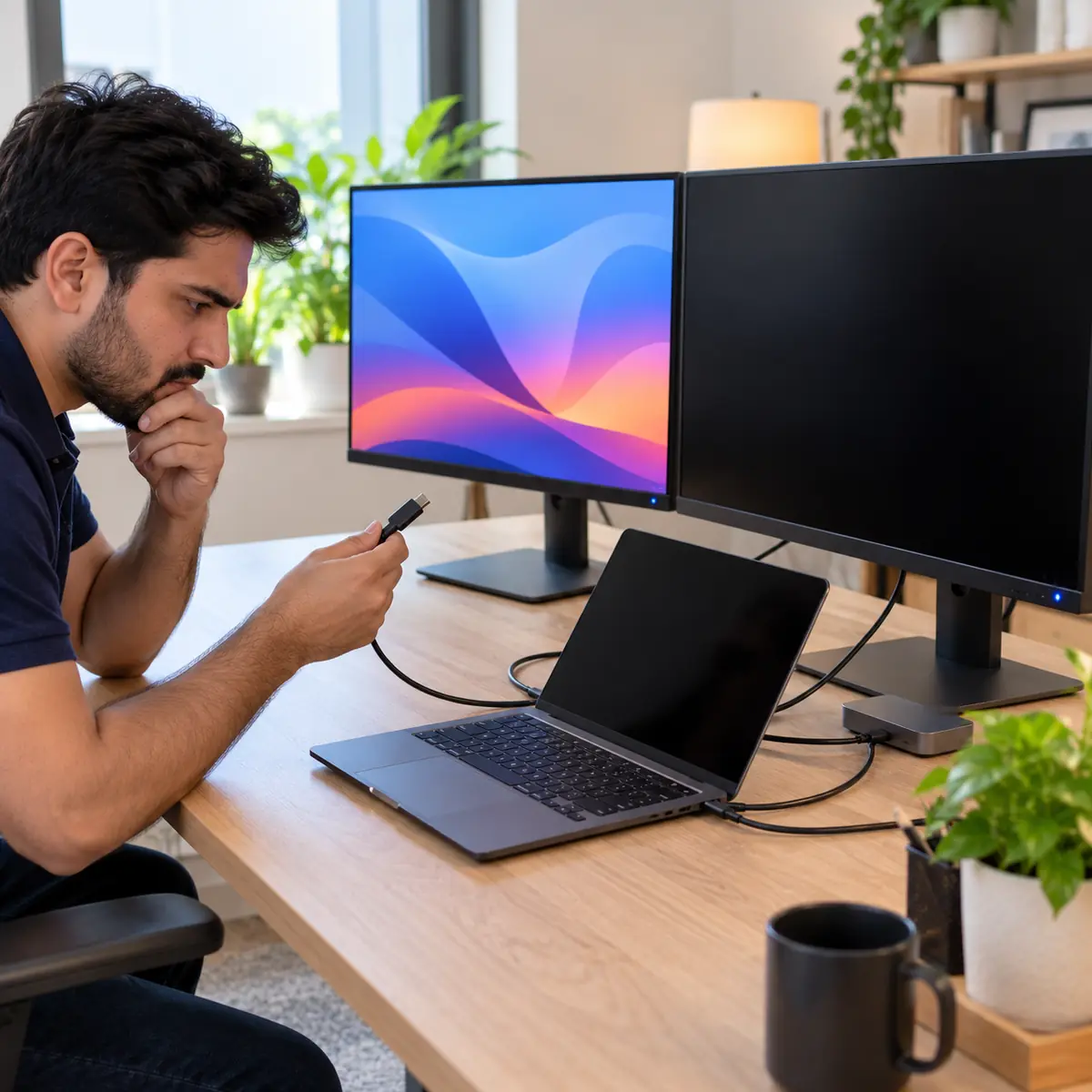
One monitor, one port, its own cable — establish what works before changing settings.
That result clears the machine and points at bandwidth or topology.
The Thunderbolt view lists every device in the chain, docks included.
Diagnose here, then use the dual-monitor fix list rather than guessing.
The full answer
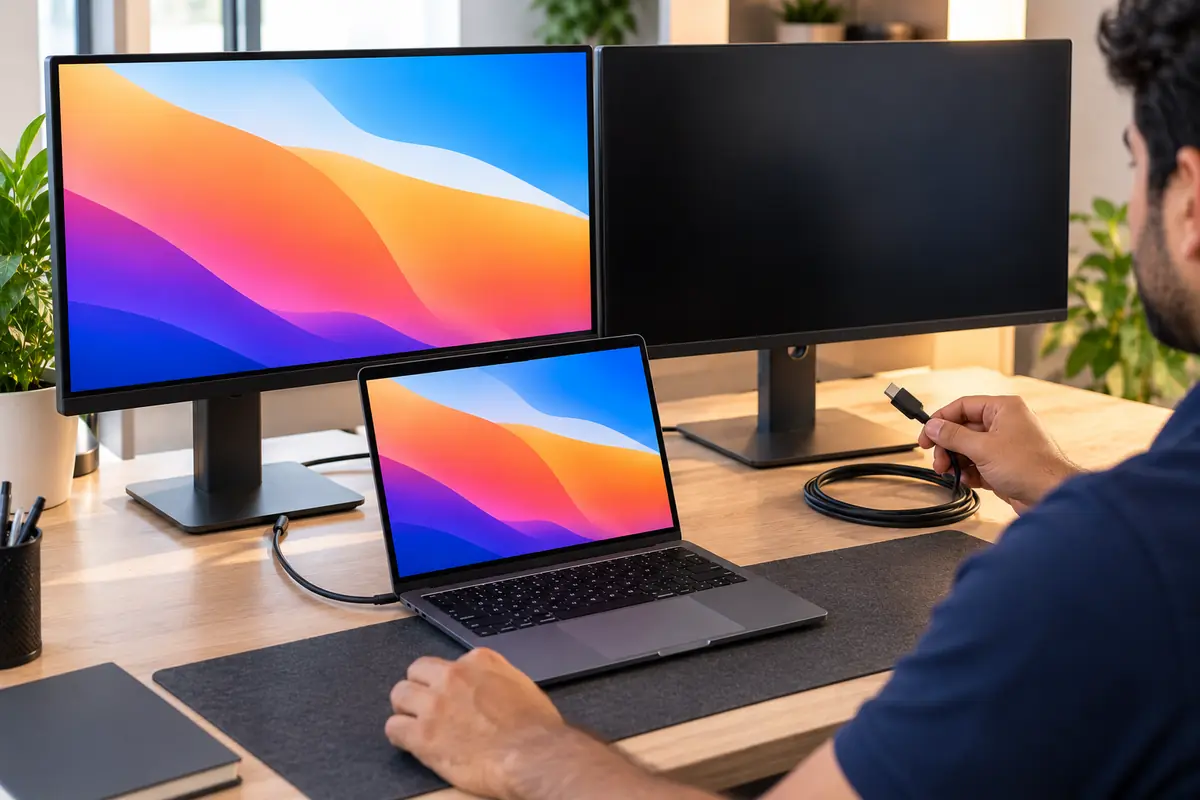
Both monitors connected, only one shows up - here's how to get all displays running.
This page covers DIAGNOSIS - working out which link in the chain is failing. If you already know your setup is sound and want the fix list, see our guide on getting dual monitors working on M4 Pro. Start by isolating the Mac from everything else: unplug both monitors, connect ONE directly to a Thunderbolt port with the cable that came with it, and confirm it appears. Repeat with the second monitor on a different port. If each works alone but not together, the Mac is fine and the problem is bandwidth or topology, not the machine.
Next, identify what is actually in the chain. In System Settings, hold Option and choose System Information, then Thunderbolt - it lists every device on the bus and the link speed negotiated. A dock showing USB 3 rather than Thunderbolt 4 is your answer. A monitor that does not appear in that tree at all is not being seen by the bus and no macOS setting will fix it. Check the display itself: many panels default to DisplayPort 1.2, which cannot carry a second 6K stream - switch the monitor OSD to DisplayPort 1.4 or HDMI 2.1 where offered.
Finally, rule out software: boot into Safe Mode and reconnect. If both displays work in Safe Mode, a third-party display utility such as DisplayLink, BetterDisplay or a colour-calibration daemon is interfering. Bring the Mac and both monitors to our Dubai Media City or Bur Dubai workshop and we will test the whole chain on the bench, including our own certified Thunderbolt 4 docks, so you know what to buy before you buy it.
If both screens worked before and stopped together, start with M4 Pro dual monitors not working.
A sudden change after an update is covered in an M4 MacBook Pro that stopped supporting two monitors.
How Azizi Technologies handles this in Dubai
- Free intake diagnosis at our Dubai Media City or Bur Dubai workshop (or via WhatsApp photos).
- Written AED price quote before any work begins - no surprises, no hidden fees.
- Apple Certified Mac Technician on every Mac job; brand-trained technicians for Windows and Linux.
- 90-day parts-and-labour warranty on every repair.
- Walk-in only, no appointment: Media City for Marina, JLT and Jumeirah, Bur Dubai for Karama, Deira and Downtown.
- Same-day service on most common jobs walked in before 11:00.
Vendor neutral
Platforms We Support
The device maker and the component vendors behind the repairs on our Dubai bench. Parts are named because grade matters more than the price on the sticker.
- AppleMacBook Air, MacBook Pro, iMac, Mac mini and Mac Studio across Intel, T2 and Apple silicon.
- SamsungNVMe SSDs for upgrades on older Intel Macs, and the NAND we recover data from on soldered boards.
- CrucialSSD and memory upgrades on the Macs that still take them, with the data migrated as part of the job.
- KingstonSSD and memory alternatives to the Samsung and Crucial parts.
- Western DigitalExternal and NAS drives we use for pre-repair backups and as migration targets.
- SeagateBackup and archive drives for the data we copy off a device before it is opened.
Finding us
Office 45, Concord Tower
Our main workshop is Office 45 on the 10th floor of Concord Tower in Dubai Media City, with a second Azizi Technologies office at the IT Center Building in Bur Dubai. The nearest metro to Concord Tower is Dubai Internet City, and there is visitor parking (first 15 minutes free, then paid) if you drive.
No appointment is needed during workshop hours, Mon-Sat 9AM-7PM, Fri break 12-2PM · Sun closed. Walk in with the device for a free diagnosis. Repairs are walk-in only; send photos on WhatsApp first if you want the likely cost before the trip.

Walk in, no appointment
Free diagnosis at either Dubai workshop during workshop hours. We no longer collect repairs; businesses on an AMC can hand devices to the engineer on a scheduled visit.

How a repair runs
Diagnosis first, then a written quote before any work starts, then the repair, tested and returned with the work covered by our warranty.
FAQ
Frequently asked questions
4 direct answers from the Azizi Technologies team.
Does the M4 Pro support two monitors through one Thunderbolt port?
Why does my second monitor disappear after the Mac wakes from sleep?
What should I bring for a dual-display diagnosis?
What are your workshop hours and locations?
Explore more from Azizi Technologies
Official sources
Non-competitor sources we use for standards, platform rules and regulatory context.
Talk to the MacBook Repair team
Next step
MacBook Repair Dubai
Need help with your Mac or laptop? Contact Azizi Technologies - Dubai's trusted repair experts since 2007. We respond during workshop hours with a written AED quote and the nearer of our two walk-in workshops.


Two Dubai offices, both walk-in
Concord Tower in Media City and the IT Center Building in Bur Dubai, Monday to Saturday 9:00 to 19:00.Find our offices
IT AMC Dubai: one written SLA for the whole estate
IT annual maintenance contracts with response times in the contract, for offices with or without in-house IT.IT AMC in DubaiGet a quote
What needs fixing?
Four short steps, about a minute. Tell us the job once and we reply on WhatsApp with a price or a written scope, not a call-back.
4.9 stars from 645 Google reviews. Most enquiries answered within minutes during opening hours.
Read them on GoogleMeet the engineers
Real engineers. Real accountability.
Every job is handled by a certified engineer, the same people clients name in our Google reviews.
IT Support Lead
Usman K., thanked by name in our Google reviews
Microsoft Certified
10+ yrs experience
Senior Apple Repair Engineer
Shafeeq Ur Rehman, owner, on the Mac repair and micro-soldering bench
Apple-certified diagnostics · Board-level repair
12+ yrs experience
Network & Security Lead
Infrastructure and firewall team
Cisco CCNA
14+ yrs experience
Data Recovery Engineer
Drive imaging and board-level recovery bench
PC-3000 toolchain
9+ yrs experience
Finding us
Find your nearest Azizi Technologies workshop
Walk in to either Dubai branch for a free diagnosis, or book a visit. Visitor parking at Concord Tower (first 15 minutes free, then paid) (Dubai Media City).
Dubai Media City
Concord Tower, Office 45, 10th floor
Dubai Media City, Dubai
Find us in Concord Tower, Dubai Media City. Visitor parking at Concord Tower (first 15 minutes free, then paid).
Opening hours:
Mon to Sat: 9:00 to 19:00, Friday break 12:00 to 14:00
Sun: closed
Bur Dubai
G 58, IT Center Building, 21 21A Street
Bur Dubai, Dubai
Find us on the ground floor of the IT Center Building, with the walk-in repair counter.
Opening hours:
Mon to Sat: 9:00 to 19:00, Friday break 12:00 to 14:00
Sun: closed
Azizi Technologies
The numbers behind the Media City workshop
- Google rating
- 4.9★
- Verified reviews
- 645
- In Dubai since 2007
- 19 years
- On-site response SLA
- 4 hours
- Remote first response
- 15 minutes
- Dubai walk-in offices
- 2
Verified Google reviews
What MacBook Repair customers say
“Fast, convenient and effective service. They fixed my MacBook keyboard issues in less than 24hrs”
Luu, MacBook keyboard repair · Local Guide
“I spilled a whole glass of water on my MacBook and Azizi technologies fixed it so quickly in one day at a great price and it’s as good as new”
sarah, MacBook water damage · Google
“Shafeeq is an incredible technician! This has been completed within 24 hours of me asking for a replacement screen. Really good service, I highly recommend their services!”
Ritchie Thomas, MacBook screen · Local Guide