
Q&A · MacBook Repair Dubai
MacBook Pro M4 Speaker Crackle
MacBook Pro M4 internal speaker crackling but external audio fine? The software checks to run first and when the speaker needs replacing. Get a quote.
4.9 · 645 reviewsTwo Dubai workshopsMon-Sat 9AM-7PM19 years in Dubai
Quick answer
- Main workshop
- Concord Tower, Media City
- Second office
- IT Center Building, Bur Dubai
- In Dubai since
- 2007
- Google rating
- 4.9 from 645 reviews
- Hours
- Mon-Sat 9AM-7PM
- Enquiries
- WhatsApp or use the quote form on this page
If that did not fix it
Crackle that stays at low volume
Crackle still present at twenty percent volume after the sample-rate reset and a restart is mechanical. On the bench we play a sine sweep and use the balance slider to isolate left from right. A rattle on one side is a damaged driver or grit in the grille; distortion on both sides at low volume is more often the amplifier.
First, mute the Mac and listen. Noise that continues at zero volume is the fan or coil whine and the speakers are innocent. Tell us which side, whether it began after a drop or a session at full volume, and whether it has been near a beach or pool.
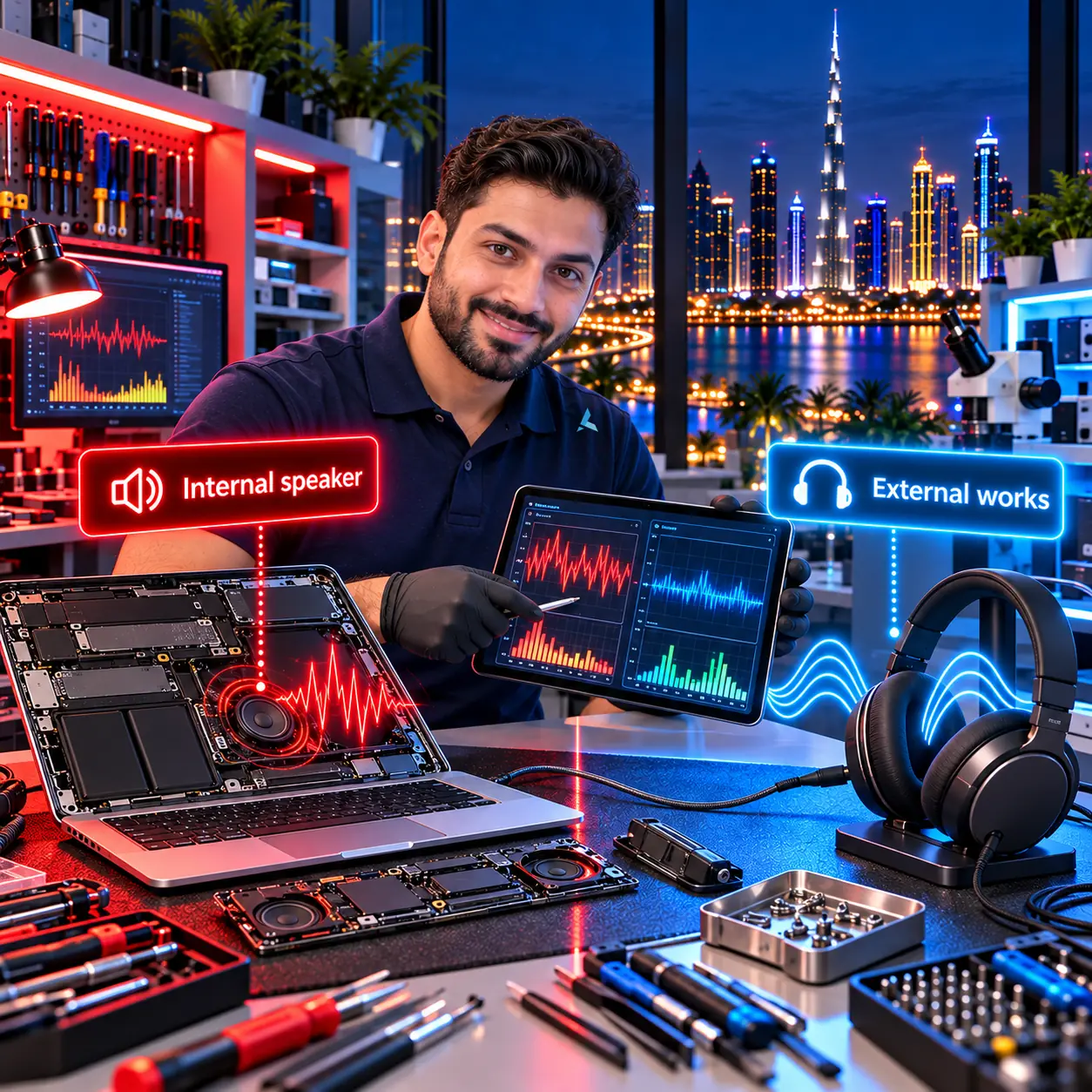
Internal only, external fine
When only the internal speaker crackles, start with software.
If external audio is clean and only the built-in speaker distorts, the output path shared by both is working. That points at the internal device configuration rather than at the amplifier or the speaker itself.
macOS sometimes drops the internal speaker's sample rate after a Bluetooth device disconnects. Setting the format back to 48,000 Hz two-channel in Audio MIDI Setup resolves that case without any hardware work.
Clean external output rules out the shared part of the path.
macOS can leave the internal speaker at the wrong sample rate.
Set MacBook Pro Speakers back to 48,000 Hz two-channel.
Check the configuration before assuming a blown driver.
The full answer
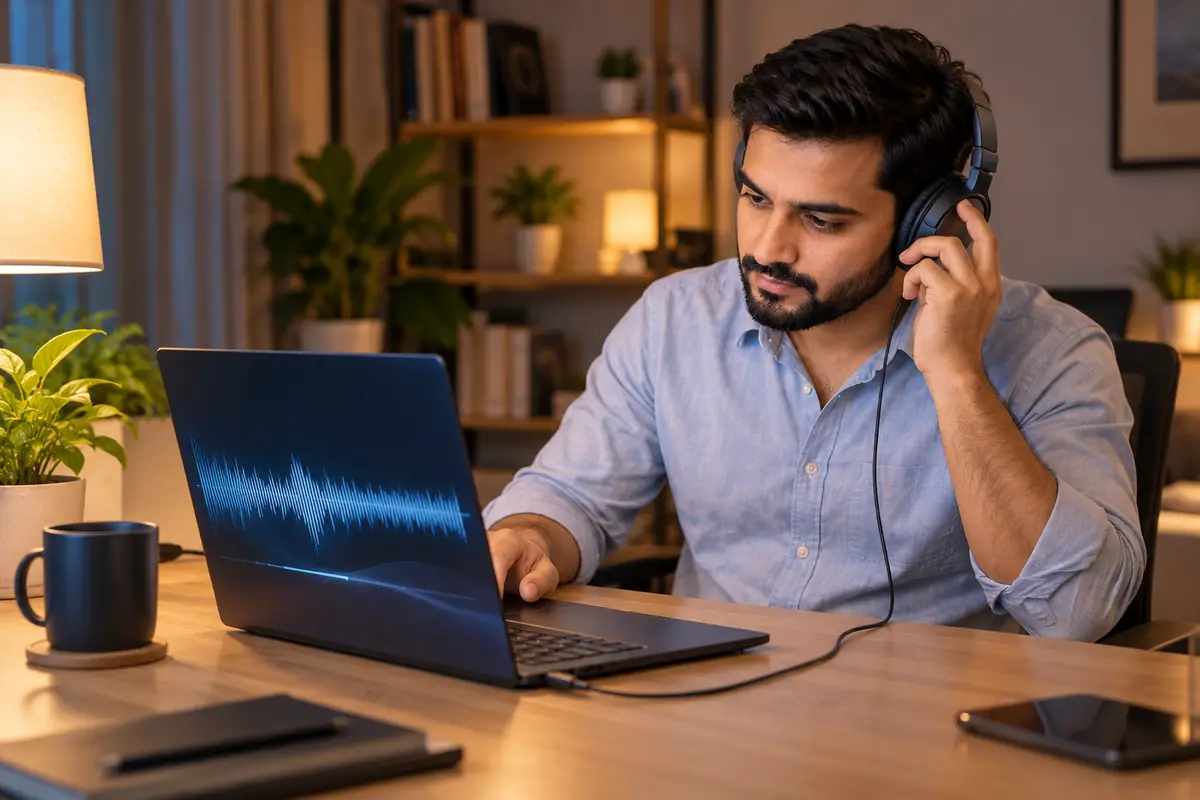
Internal speakers garbled but Bluetooth and headphones are clear? It's usually one of three things.
Crackling on the internal speaker of a MacBook Pro M4 while external audio is fine usually points to one of three causes. 1) Software bug: macOS sometimes drops the internal speaker's sample rate after a Bluetooth disconnect. Fix: open Audio MIDI Setup (Applications → Utilities), select MacBook Pro Speakers, set Format to 48,000 Hz 2-ch 32-bit Integer, then back to your preferred rate. 2) Volume capped past safe levels: macOS protects the drivers above 90% - distortion above that is normal. Drop volume to 80% and listen. 3) Hardware: liquid damage, a popped voice coil from extreme volume, or a torn speaker diaphragm.
Sound a static-y rattle even at low volumes? That's mechanical. The M4 Pro has six drivers (subwoofer pairs + tweeters); they can be replaced individually. We repair speaker assemblies in 48 hours at our Dubai workshop and offer a 90-day warranty.
From the bench: what we see with this one
The 14-inch and 16-inch M4 Pros have the speakers under the grilles either side of the keyboard, and the grilles collect what the desk has on it. We have pulled sand, biscuit crumbs and dried juice out of grilles on machines whose owners were sure the speaker had blown. A soft brush and a careful pass with air at a low angle, Mac shut down, clears a surprising number of these. Never poke anything into the grille; the driver surround sits just below it.
When a driver really has gone, the left and right modules are separate parts and are replaced individually, so one torn woofer does not mean a full speaker set. Humidity is a factor here in August; a Mac carried between air-conditioned rooms and the street collects condensation, and the speaker surround is one of the first places it shows.
How Azizi Technologies handles this in Dubai
- Free intake diagnosis at our Dubai Media City or Bur Dubai workshop (or via WhatsApp photos).
- Written AED price quote before any work begins - no surprises, no hidden fees.
- Apple Certified Mac Technician on every Mac job; brand-trained technicians for Windows and Linux.
- 90-day parts-and-labour warranty on every repair.
- Walk-in only, no appointment: Media City for Marina, JLT and Jumeirah, Bur Dubai for Karama, Deira and Downtown.
- Same-day service on most common jobs walked in before 11:00.
Vendor neutral
Platforms We Support
The device maker and the component vendors behind the repairs on our Dubai bench. Parts are named because grade matters more than the price on the sticker.
- AppleMacBook Air, MacBook Pro, iMac, Mac mini and Mac Studio across Intel, T2 and Apple silicon.
- SamsungNVMe SSDs for upgrades on older Intel Macs, and the NAND we recover data from on soldered boards.
- CrucialSSD and memory upgrades on the Macs that still take them, with the data migrated as part of the job.
- KingstonSSD and memory alternatives to the Samsung and Crucial parts.
- Western DigitalExternal and NAS drives we use for pre-repair backups and as migration targets.
- SeagateBackup and archive drives for the data we copy off a device before it is opened.
Finding us
Office 45, Concord Tower
Our main workshop is Office 45 on the 10th floor of Concord Tower in Dubai Media City, with a second Azizi Technologies office at the IT Center Building in Bur Dubai. The nearest metro to Concord Tower is Dubai Internet City, and there is visitor parking (first 15 minutes free, then paid) if you drive.
No appointment is needed during workshop hours, Mon-Sat 9AM-7PM, Fri break 12-2PM · Sun closed. Walk in with the device for a free diagnosis. Repairs are walk-in only; send photos on WhatsApp first if you want the likely cost before the trip.

Walk in, no appointment
Free diagnosis at either Dubai workshop during workshop hours. We no longer collect repairs; businesses on an AMC can hand devices to the engineer on a scheduled visit.

How a repair runs
Diagnosis first, then a written quote before any work starts, then the repair, tested and returned with the work covered by our warranty.
FAQ
Frequently asked questions
4 direct answers from the Azizi Technologies team.
How do I tell whether the noise is the speaker or the fan?
Can one speaker on a MacBook Pro M4 be replaced on its own?
Why does the Audio MIDI fix keep needing to be repeated?
What are your workshop hours and locations?
Explore more from Azizi Technologies
Official sources
Non-competitor sources we use for standards, platform rules and regulatory context.
Talk to the MacBook Repair team
Next step
MacBook Repair Dubai
Need help with your Mac or laptop? Contact Azizi Technologies - Dubai's trusted repair experts since 2007. We respond during workshop hours with a written AED quote and the nearer of our two walk-in workshops.

Two Dubai offices, both walk-in
Concord Tower in Media City and the IT Center Building in Bur Dubai, Monday to Saturday 9:00 to 19:00.Find our offices
IT AMC Dubai: one written SLA for the whole estate
IT annual maintenance contracts with response times in the contract, for offices with or without in-house IT.IT AMC in DubaiGet a quote
What needs fixing?
Four short steps, about a minute. Tell us the job once and we reply on WhatsApp with a price or a written scope, not a call-back.
4.9 stars from 645 Google reviews. Most enquiries answered within minutes during opening hours.
Read them on GoogleMeet the engineers
Real engineers. Real accountability.
Every job is handled by a certified engineer, the same people clients name in our Google reviews.
IT Support Lead
Usman K., thanked by name in our Google reviews
Microsoft Certified
10+ yrs experience
Senior Apple Repair Engineer
Shafeeq Ur Rehman, owner, on the Mac repair and micro-soldering bench
Apple-certified diagnostics · Board-level repair
12+ yrs experience
Network & Security Lead
Infrastructure and firewall team
Cisco CCNA
14+ yrs experience
Data Recovery Engineer
Drive imaging and board-level recovery bench
PC-3000 toolchain
9+ yrs experience
Finding us
Find your nearest Azizi Technologies workshop
Walk in to either Dubai branch for a free diagnosis, or book a visit. Visitor parking at Concord Tower (first 15 minutes free, then paid) (Dubai Media City).
Dubai Media City
Concord Tower, Office 45, 10th floor
Dubai Media City, Dubai
Find us in Concord Tower, Dubai Media City. Visitor parking at Concord Tower (first 15 minutes free, then paid).
Opening hours:
Mon to Sat: 9:00 to 19:00, Friday break 12:00 to 14:00
Sun: closed
Bur Dubai
G 58, IT Center Building, 21 21A Street
Bur Dubai, Dubai
Find us on the ground floor of the IT Center Building, with the walk-in repair counter.
Opening hours:
Mon to Sat: 9:00 to 19:00, Friday break 12:00 to 14:00
Sun: closed
Azizi Technologies
The numbers behind the Media City workshop
- Google rating
- 4.9★
- Verified reviews
- 645
- In Dubai since 2007
- 19 years
- On-site response SLA
- 4 hours
- Remote first response
- 15 minutes
- Dubai walk-in offices
- 2
Verified Google reviews
What MacBook Repair customers say
“Fast, convenient and effective service. They fixed my MacBook keyboard issues in less than 24hrs”
Luu, MacBook keyboard repair · Local Guide
“I spilled a whole glass of water on my MacBook and Azizi technologies fixed it so quickly in one day at a great price and it’s as good as new”
sarah, MacBook water damage · Google
“Shafeeq is an incredible technician! This has been completed within 24 hours of me asking for a replacement screen. Really good service, I highly recommend their services!”
Ritchie Thomas, MacBook screen · Local Guide