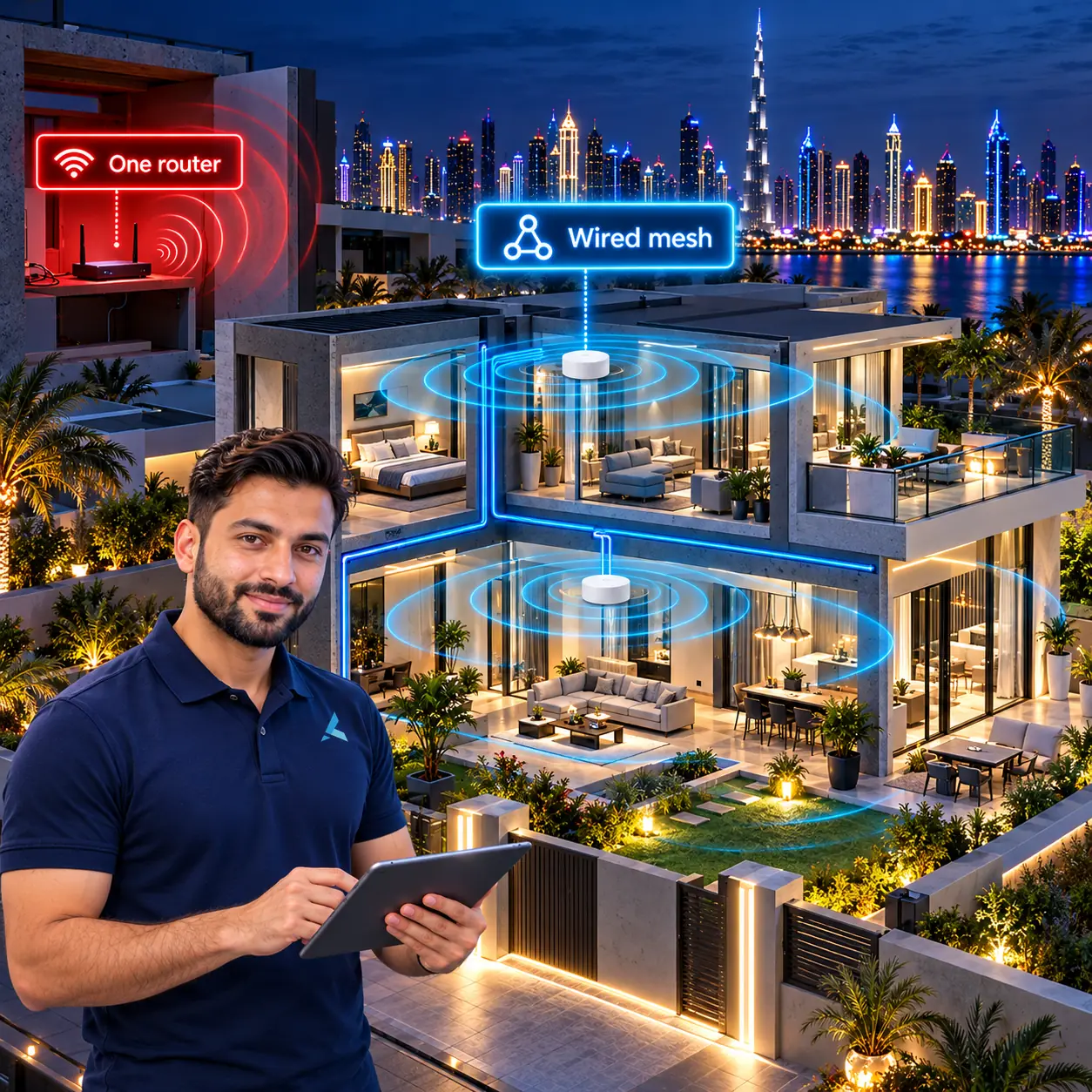
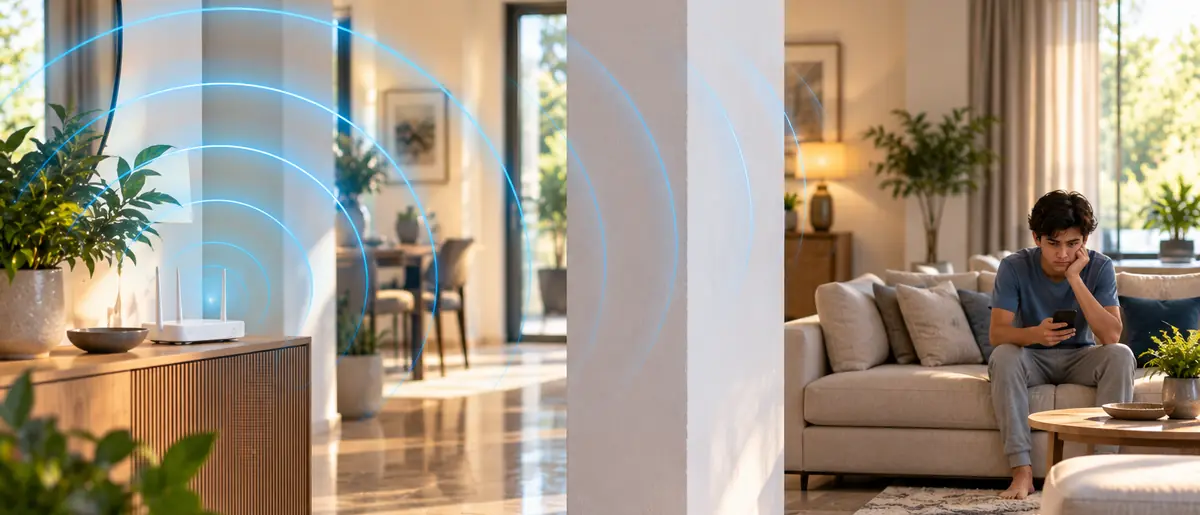
Dubai villas have a specific WiFi problem - 3-4 floor townhouses built with reinforced concrete walls that kill RF signal past 15-20 metres. A single router covers maybe 30 percent of the house. The answer is mesh WiFi with 4-8 access points, properly placed with ethernet backhaul where possible. Here are the 5 systems that actually work in Dubai villas, tested by Azizi Technologies engineers across Jumeirah, Al Sufouh, Arabian Ranches, Palm Jumeirah, Emirates Hills and JVC in 2025-26.
Why does WiFi struggle in Dubai villas specifically?
Dubai villa construction is hostile to WiFi: walls are solid concrete block, floors are reinforced concrete slab, and a single concrete wall knocks roughly 10-15 dB off a 5 GHz signal - after two walls there is effectively nothing left. The typical 2-3 floor townhouse in Arabian Ranches, The Springs or Jumeirah has the ISP router in a ground-floor TV cabinet, which guarantees dead bedrooms two floors up. That is why the answer is always multiple access points, never one stronger router.
- Concrete block walls: 5 GHz loses 10-15 dB per wall, against 3-5 dB through plasterboard
- Reinforced slab floors block vertical coverage - one AP per floor is the baseline
- 25-35 metre villa footprints exceed a single router's 15-20 metre real-world indoor range
- Garden, pool and barbecue areas need a dedicated outdoor AP, not spill-over from indoors
Why 2.4 GHz is not the fix
2.4 GHz does penetrate concrete better, but it tops out at 30-60 Mbps real-world and is congested by every neighbour's network and baby monitor. Modern mesh keeps 2.4 GHz as a fallback and serves real traffic on 5 GHz and 6 GHz - which is exactly why unit count and placement matter so much.
1. Ubiquiti UniFi Dream Machine Pro + U6 Pro APs (recommended for tech-savvy owners)
Best for: villas where someone wants full control. Ubiquiti UDM Pro (AED 1,800) plus 4-6 U6 Pro APs (AED 800 each) plus PoE switch (AED 1,200) gives wired backhaul, enterprise-grade roaming, VLANs for IoT/guest/staff, and zero monthly licence cost. Coverage 400-600 m2 across multiple floors with proper AP placement. It is the most expensive of the five, because the installation is a proper network job. Drawback: needs network engineering for first setup; not plug-and-play.
2. Eero Pro 6E or Eero Max 7 (recommended for plug-and-play simplicity)
Best for: villa owners who want no fiddling. Eero Pro 6E (AED 1,800 for a 3-pack) covers most 2-floor villas; Eero Max 7 (AED 4,200 for a 3-pack) is the Wi-Fi 7 option for larger 3-4 floor townhouses. Both have wired ethernet backhaul if you can run a cable; otherwise wireless backhaul is acceptable. Strong app-based management, automatic firmware updates, optional Eero Plus security subscription. Drawback: closed ecosystem, no VLAN controls.
3. TP-Link Deco BE85 (best value Wi-Fi 7)
Best for: villas wanting Wi-Fi 7 at a reasonable price. Deco BE85 (AED 2,800 for a 3-pack) is the best value Wi-Fi 7 mesh in Dubai - 6 GHz band, 12-stream MU-MIMO, USB-C, 10 Gbps uplinks. Coverage 350-500 m2 for a 3-pack. Decent app, basic VLAN support, no monthly fees. Drawback: TP-Link app has more ads than competitors; firmware update cadence slower than Eero or Ubiquiti.
4. Asus ZenWiFi Pro XT12 or BT10 (best for power users)
Best for: villa owners who want both simplicity AND advanced controls. ZenWiFi Pro XT12 (AED 3,200 for a 3-pack, Wi-Fi 6E) or BT10 (AED 4,500 for a 3-pack, Wi-Fi 7) offer AiMesh - solid roaming, granular AiProtection Pro security suite (free, by Trend Micro), parental controls, VPN server built-in, traffic analyser. Coverage 400-600 m2 for a 3-pack. Drawback: occasional firmware quirks; not as polished as Eero.
5. Cisco Meraki Go GR10 or GR62 (over-the-top for most villas)
Best for: villa owners who also have a home office and want enterprise-grade hardware. Cisco Meraki Go GR10 (AED 850 per AP plus AED 200/year licence) gives enterprise APs with simplified cloud management. GR62 for Wi-Fi 6E (AED 1,400 per AP). Dashboard cloud management, full audit trail, professional-grade hardware. Drawback: ongoing licence fees, total cost 2x consumer mesh.
| Product | Best For | 3-pack AED | Notes |
|---|---|---|---|
| Ubiquiti UDM Pro + U6 Pro x4 | Full control + ethernet backhaul | 8,200 | Wi-Fi 6, enterprise-grade |
| Eero Max 7 3-pack | Plug-and-play Wi-Fi 7 | 4,200 | Easiest setup, closed ecosystem |
| TP-Link Deco BE85 3-pack | Value Wi-Fi 7 | 2,800 | Best price for Wi-Fi 7 mesh |
| Asus ZenWiFi BT10 3-pack | Power user Wi-Fi 7 | 4,500 | AiMesh, free AiProtection |
| Eero Pro 6E 3-pack | Standard 2-floor villa | 1,800 | Wi-Fi 6E, well-tested |
| Cisco Meraki Go GR62 x4 | Pro home with office | 5,600 | Cloud-managed, licence fee |
Best WiFi routers for Dubai villas (2026 tested picks)
How many mesh units does your Dubai villa need?
Plan one unit per floor plus one for the outdoor area - a 3-pack covers a typical Springs townhouse, while large Emirates Hills villas need 7-8 wired APs. Community-typical counts from our installs:
- Springs / JVC townhouse, 200-250 m2 over 2 floors: 3 units
- Arabian Ranches / Mudon 3-4 bed, 300-400 m2 over 2-3 floors: 4-5 units
- Palm Jumeirah Garden Home, around 500 m2: 5-6 units including an outdoor AP
- Emirates Hills / Al Barari, 600-1,000 m2: 7-8+ wired UniFi APs rather than consumer mesh
Add one extra unit for a basement majlis, gym or maid's-room block separated by more than two walls - and accept that garages behind a concrete fire wall almost never get usable signal from indoor units.
Wired or wireless backhaul - which should your villa use?
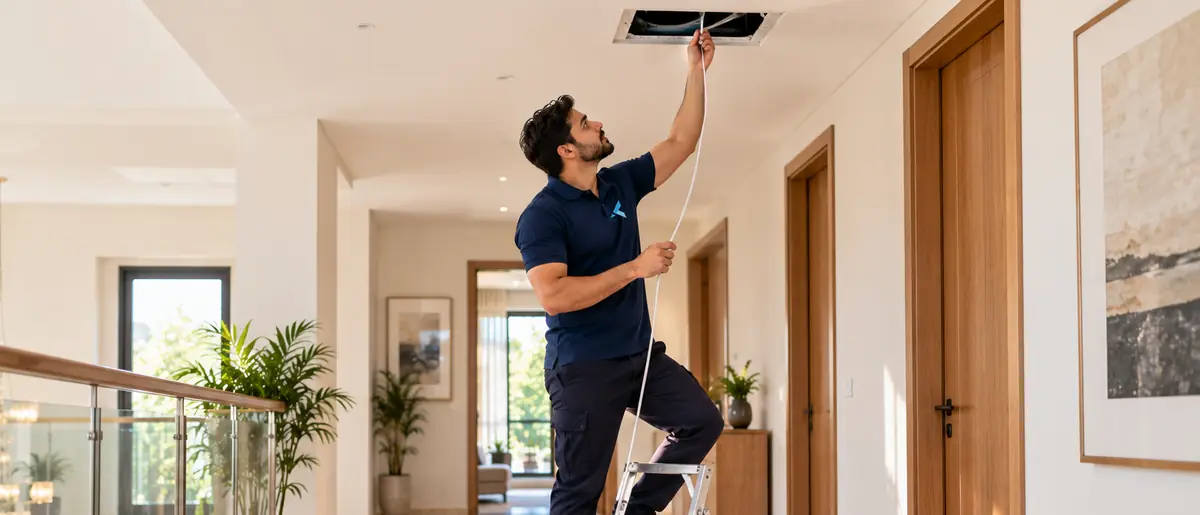
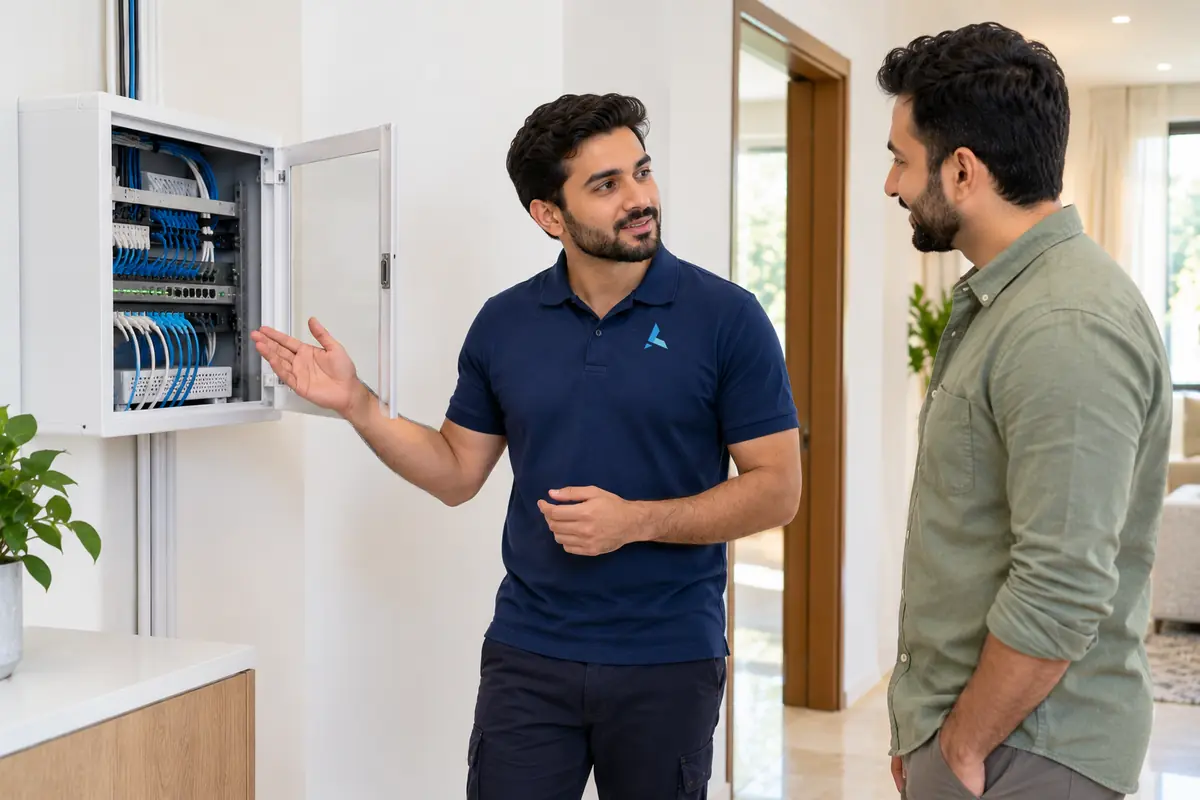
Wired backhaul wins whenever it is physically possible: each Cat6 run between floors is a small, fixed cost to install and removes the 40-60 percent throughput penalty of daisy-chained wireless hops through concrete slabs. Wireless backhaul is acceptable in a 2-floor villa where units sit within one wall or one floor of each other - Wi-Fi 6E and Wi-Fi 7 systems dedicate a band to it - but a 4-floor townhouse running everything wireless will crawl on the top floor.
Renovating? Pull cable now
If your villa is being painted or refitted, have Cat6 pulled to each floor landing and the garden pergola while the walls are open. The same runs through finished concrete walls later cost two to three times more.
What about Etisalat / du modems as the router?
Don't. The free Huawei or Sercomm modems that Etisalat eLife and du Home ship are fine for single-AP apartments but cannot handle villa coverage or modern device density. Standard procedure for Dubai villa installs: put the ISP modem in bridge mode (so it just acts as a modem, not a router), then plug your mesh system into it. Both Etisalat and du field engineers will configure bridge mode on request, or Azizi Technologies handles it during install.
Switch the old radios off
After bridge mode is set, disable the WiFi radios on the Etisalat or du unit. If the old SSID keeps broadcasting, half your devices silently cling to it, bypass the new mesh entirely, and the 'new WiFi is slow' complaints start within a day. One exception: eLife TV set-top boxes stay wired to the ISP unit's LAN ports.
Where should mesh units go in a 2-3 floor townhouse?
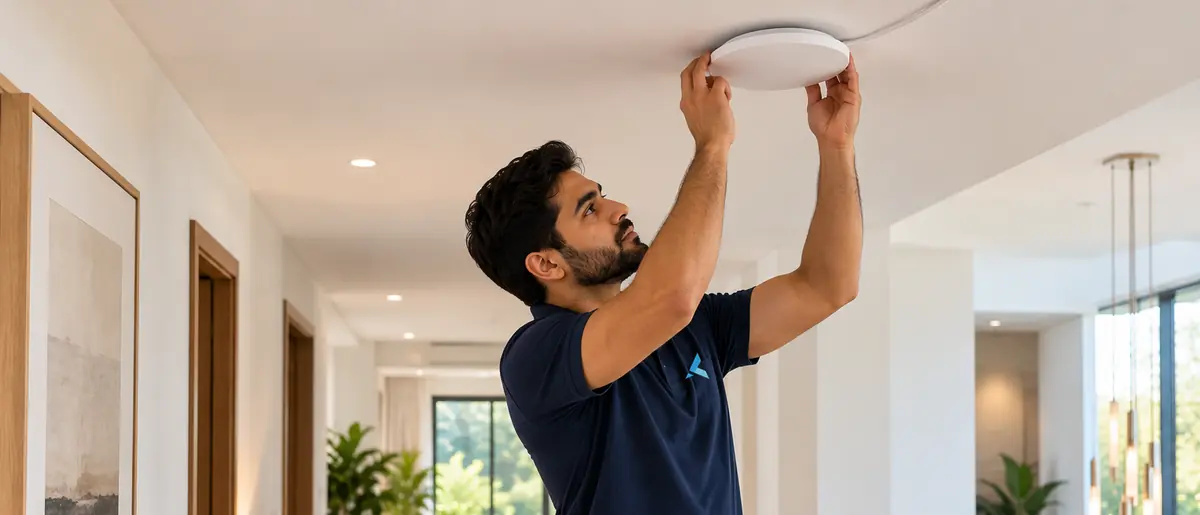
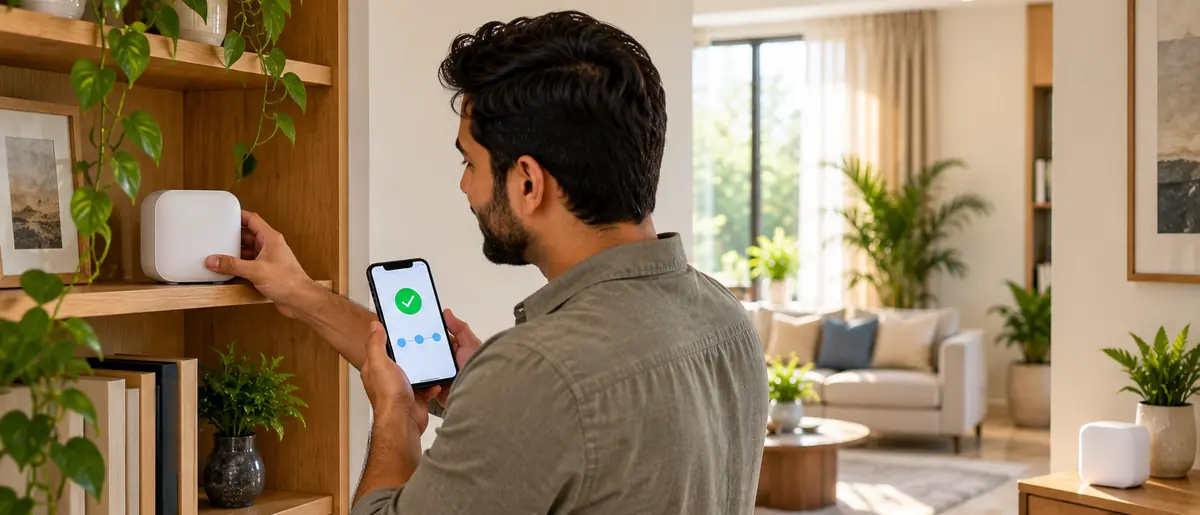
One unit per floor, placed centrally near the stairwell - the stair void is the only vertical path Dubai's concrete slabs leave open for signal. Ground floor in the open hallway, first floor on the landing, top floor in the corridor outside the bedrooms. For the garden, an exterior-rated AP such as the UniFi U6 Mesh (around AED 650) under the pergola beats any indoor unit aimed through a wall. Keep units off the floor, away from the kitchen microwave and clear of AC return grilles.
Never inside the TV cabinet
A mesh unit inside a closed media cabinet loses 6-10 dB before the signal even reaches the room - the same as adding an extra concrete wall. Open shelf height with line of sight down the corridor is free performance.
What does professional villa WiFi installation cost in Dubai?
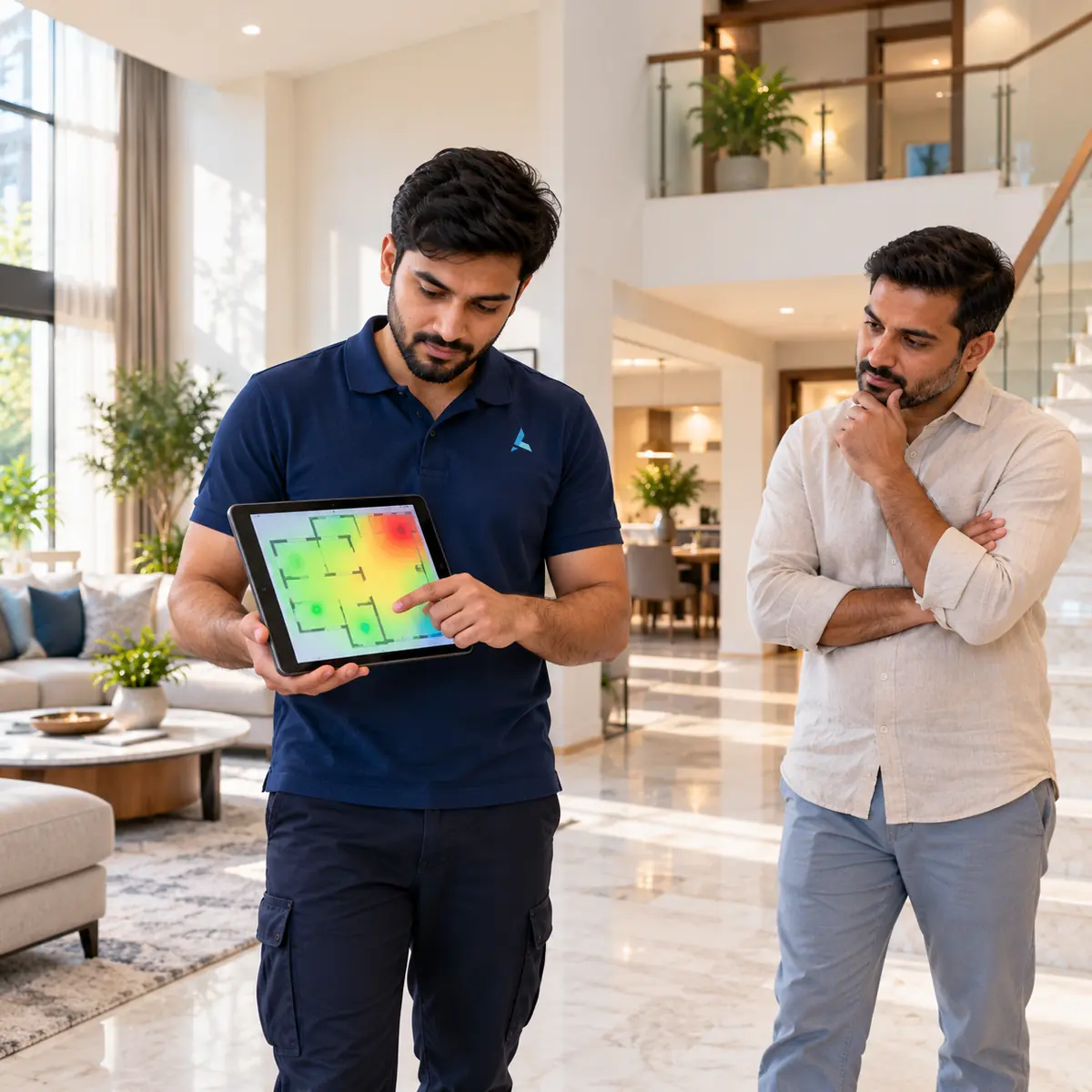
Hardware aside, the installation cost depends on the job: a basic home setup is quick, while a full villa mesh install with Cat6 backhaul drops, outdoor AP mounting and ISP bridge-mode configuration takes a day or more. Azizi Technologies runs a site survey with a signal heatmap before quoting, and offers an optional WiFi AMC for owners who want monitoring, firmware updates and priority callouts handled for them.
What does Azizi Technologies actually install?
Our default recommendation for Dubai villas depends on owner preference. Tech-savvy clients with home offices: Ubiquiti UniFi (UDM Pro plus 4-6 U6 Pro APs). Owners wanting plug-and-play: Eero Pro 6E or Eero Max 7. Owners wanting Wi-Fi 7 without paying Eero premium: TP-Link Deco BE85. Owners wanting enterprise grade: Cisco Meraki Go. Site survey before purchase recommendation - because villa floor plans and concrete wall layouts vary wildly, and the right answer depends on yours.
What should you check before buying a villa router in 2026?
- 1Match your internet plan: Etisalat and du fibre at 500 Mbps to 1 Gbps needs Wi-Fi 6 or newer to be felt on devices
- 2Count floors and square metres, then size the kit: one unit per floor plus one outdoor
- 3Check each node has at least one spare ethernet port for wired backhaul or a desk switch
- 4Confirm bridge-mode compatibility with your ISP unit before paying - and keep eLife TV boxes on the ISP ports
- 5Look for 802.11k/v/r roaming support so WhatsApp and Teams calls hand off cleanly between floors
- 6Buy from an authorised UAE channel - grey imports lose local warranty support
Dubai villa WiFi survey + brand recommendation
Send your villa address and rough floor plan (number of floors, approximate square metres) - we'll book a 60-minute site survey, run a signal heatmap, and email a written recommendation comparing Ubiquiti, Eero, TP-Link Deco and Asus options with itemised AED quotes.