

Microsoft & Cloud
Microsoft Azure Services Dubai Migration and Management
Azure is not automatically cheaper than the server in your comms room. It is more flexible, more resilient and easier to scale, and it costs whatever you let it cost. We help Dubai businesses work out what genuinely belongs in Azure, move it without a weekend outage, then keep the bill under control once it is running.
4.9★ · 645+ Google ReviewsSince 2007 · 19+ yearsTwo Dubai workshopsOpen Mon-Sat 9AM-7PM
Quick answer
- Main workshop
- Concord Tower, Media City
- Second office
- IT Center Building, Bur Dubai
- In Dubai since
- 2007
- Google rating
- 4.9 from 645 reviews
- Hours
- Mon-Sat 9AM-7PM
- Enquiries
- WhatsApp or use the quote form on this page
What Azure is and is not
Not automatically cheaper than your comms-room server.
This is the expectation that causes the most disappointment. Azure is more flexible, more resilient and far easier to scale than on-premise hardware. It is not inherently cheaper, and it costs whatever you let it cost - a workload lifted directly into the cloud at the size it ran on a physical box, left running around the clock, will often cost more.
So the useful questions are which workloads genuinely belong there, how they should be sized once they are, and who is watching the bill afterwards. Hybrid is a perfectly good answer where the numbers say so.
Not everything benefits from moving, and we say which does.
A lift-and-shift at on-premise sizing is how Azure bills get out of hand.
Somebody watching the bill after go-live, which is when it usually drifts.
Planned cutover rather than a lost weekend and a Monday of surprises.
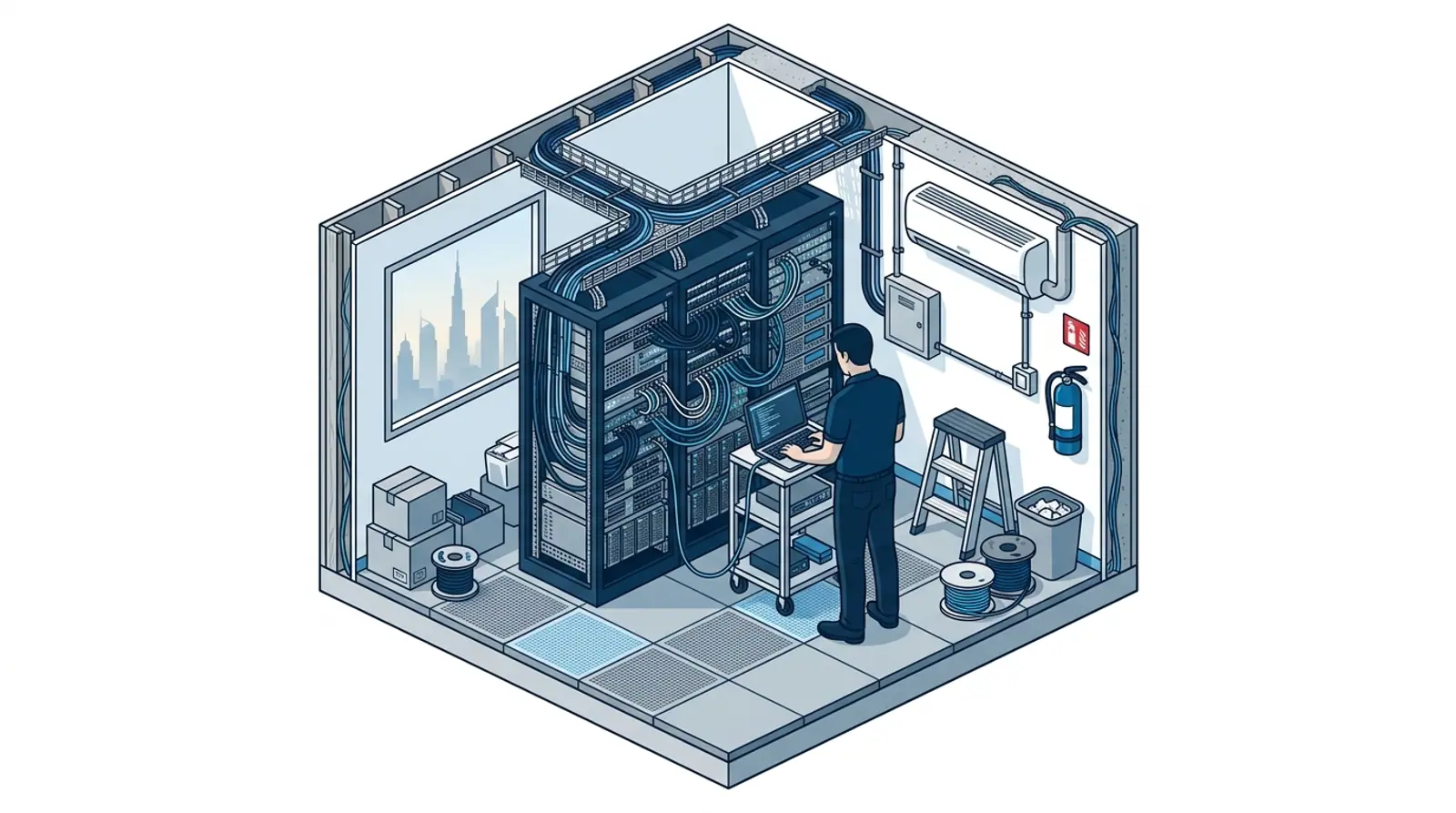
What Belongs in Azure and What Does Not
Not every workload improves in the cloud. Being honest about that upfront is the difference between a migration that pays for itself and one that quietly doubles your IT spend.
- Good fits: file servers, domain controllers, backup targets, test environments, anything with spiky demand
- Poor fits: workloads that need constant high-bandwidth access to on-premise hardware, and legacy apps whose vendor will not support them in the cloud
- The middle ground: a hybrid setup where identity and backup live in Azure while a local server keeps latency-sensitive work fast
- The real driver is usually resilience, not cost. A dead server in your office is a week of downtime; a dead VM in Azure is a redeploy
Migration Paths From On-Premise
There are three routes into Azure and they suit different situations. Choosing the wrong one is the most expensive mistake in a migration.
- Lift and shift: your server becomes a VM more or less as-is. Fastest, lowest risk, least saving
- Re-platform: move the workload onto a managed Azure service such as Azure SQL or Azure Files, which cuts long-term admin
- Rebuild: worth it only when the application is already due for replacement
- We usually recommend lift and shift first, then re-platform selectively once you are stable in Azure
Cost Control and Right-Sizing
Most Azure overspend comes from machines that were sized for a worst-case day and then left running at that size forever, plus storage nobody remembers creating.
- Right-sizing VMs against real usage after the first month, rather than guessing at design time
- Reserved instances and savings plans for anything running continuously
- Auto-shutdown on test and development machines outside working hours
- Storage tiering so cold data drops to archive rather than sitting on premium disks
- Budget alerts wired to a real person, so a runaway resource is caught in days rather than at invoice time
Backup and Disaster Recovery in Azure
Being in Azure is not a backup. Microsoft guarantees the platform, not your data, and a deleted file or a ransomware event is your problem to recover from.
- Azure Backup for VMs, files and databases, with retention that matches how far back you would actually need to go
- Immutable backup so an attacker with admin rights still cannot delete your recovery points
- Azure Site Recovery for workloads where hours of downtime are unacceptable
- A restore test on a schedule, because a backup nobody has restored from is an assumption, not a plan
Why Azizi
Why Azizi Technologies for Azure
We are an IT company that runs infrastructure, not a reseller chasing a licence margin. That changes the advice you get.
We will tell you not to migrate
If a workload is better off on-premise we say so. A hybrid design that keeps one local server is often the right answer, even though it is the smaller sale.
Cost control is part of the job
Right-sizing and budget alerts are included, not a separate optimisation engagement sold to you six months later when the bill has doubled.
Same team supports it afterwards
The engineers who design the migration are the ones you call when something misbehaves at month three.

Our process
How we get started
Sequenced, scoped and shipped. Every phase has a deliverable you can hold us to.
- 01
Assess the estate
Every server, application and dependency, plus who owns them and what breaks if they stop. Most of the risk in a migration hides in undocumented dependencies.
- 02
Design and cost the target
The Azure architecture, sizing, network and identity design, with a cost estimate before you commit rather than after.
- 03
Pilot migration
One low-risk workload moved end to end. It proves the network, the identity setup and the cutover process while the stakes are low.
- 04
Staged cutover
Workload by workload, with rollback available at each step and cutovers scheduled around your business, not ours.
Vendor neutral
Platforms We Support
Dubai businesses run mixed estates, so vendor loyalty is not useful here. These are the platforms we deploy and support day to day across both Dubai workshops.
- Microsoft 365 and AzureTenant administration, Intune device enrolment, Entra ID and conditional access, handled by Microsoft-certified engineers.
- Apple macOS fleetsThe default for creative and production teams. Managed alongside Windows under one contract.
- Cisco and ArubaSwitching, routing and enterprise WiFi for offices that outgrew consumer kit.
- Ubiquiti UniFiOur most common deployment for agency-sized offices. No per-AP licence and a strong controller.
- Sophos and FortinetFirewalls, EDR and MDR for teams that need security written into the AMC rather than bolted on.
- Synology and QNAPShared NAS over 10 GbE for editorial libraries, with backup that covers media rather than just documents.
Finding us
Office 45, Concord Tower
Our main workshop is Office 45 on the 10th floor of Concord Tower in Dubai Media City, with a second Azizi Technologies office at the IT Center Building in Bur Dubai. The nearest metro to Concord Tower is Dubai Internet City, and there is visitor parking (first 15 minutes free, then paid) if you drive.
No appointment is needed during workshop hours, Mon-Sat 9AM-7PM, Fri break 12-2PM · Sun closed. Remote support runs from both offices, and on-site visits are scheduled from whichever is closer to you.

Where we work on site
Dubai Media City, Internet City, Knowledge Park, Barsha Heights, Bur Dubai, Business Bay, JLT and the wider city from the two offices, with scheduled visits beyond Dubai.

How engagements run
An assessment first, then a written scope with response times in the contract, then onboarding and ongoing support reviewed quarterly.
FAQ
Frequently asked questions
6 direct answers about Microsoft Azure Services Dubai.
Is Azure cheaper than our own server?
Does our data stay in the UAE?
How much downtime will the migration cause?
Who manages Azure after the migration?
What licences do we need?
Can we get back out of Azure later?
Explore more from Azizi Technologies
Official sources
Non-competitor sources we use for standards, platform rules and regulatory context.
Get your Azure migration costed before you commit
Next step
IT Support
Tell us what is running today and we will assess the estate, design the target and give you a written cost estimate before any migration work starts.


Two Dubai offices, both walk-in
Concord Tower in Media City and the IT Center Building in Bur Dubai, Monday to Saturday 9:00 to 19:00.Find our offices
IT AMC Dubai: one written SLA for the whole estate
IT annual maintenance contracts with response times in the contract, for offices with or without in-house IT.IT AMC in DubaiGet a quote
What are you trying to set up?
Four short steps, about a minute. Tell us the job once and we reply on WhatsApp with a price or a written scope, not a call-back.
4.9 stars from 645 Google reviews. Most enquiries answered within minutes during opening hours.
Read them on GoogleMeet the engineers
Real engineers. Real accountability.
Every job is handled by a certified engineer, the same people clients name in our Google reviews.
IT Support Lead
Usman K., thanked by name in our Google reviews
Microsoft Certified
10+ yrs experience
Senior Apple Repair Engineer
Shafeeq Ur Rehman, owner, on the Mac repair and micro-soldering bench
Apple-certified diagnostics · Board-level repair
12+ yrs experience
Network & Security Lead
Infrastructure and firewall team
Cisco CCNA
14+ yrs experience
Data Recovery Engineer
Drive imaging and board-level recovery bench
PC-3000 toolchain
9+ yrs experience
Finding us
Find your nearest Azizi Technologies office
Walk in to either Dubai branch, or book an assessment. Visitor parking at Concord Tower (first 15 minutes free, then paid) (Dubai Media City).
Dubai Media City
Concord Tower, Office 45, 10th floor
Dubai Media City, Dubai
Find us in Concord Tower, Dubai Media City. Visitor parking at Concord Tower (first 15 minutes free, then paid).
Opening hours:
Mon to Sat: 9:00 to 19:00, Friday break 12:00 to 14:00
Sun: closed
Bur Dubai
G 58, IT Center Building, 21 21A Street
Bur Dubai, Dubai
Find us on the ground floor of the IT Center Building, with the walk-in repair counter.
Opening hours:
Mon to Sat: 9:00 to 19:00, Friday break 12:00 to 14:00
Sun: closed
Azizi Technologies
The numbers behind the team
- Years in Dubai
- 19+
- Google Reviews
- 645+
- Vendor Certifications
- 3
- Dubai Workshops
- 2