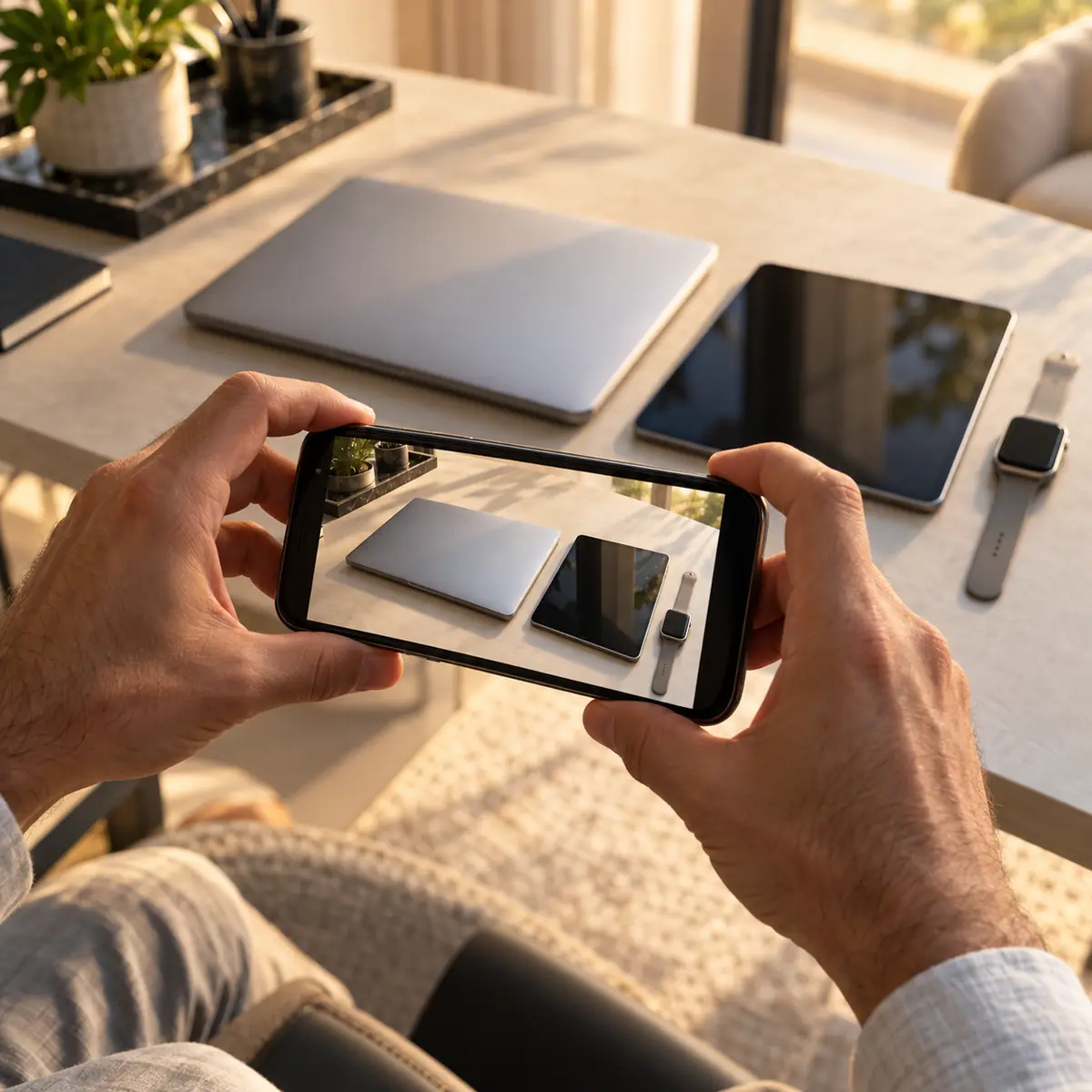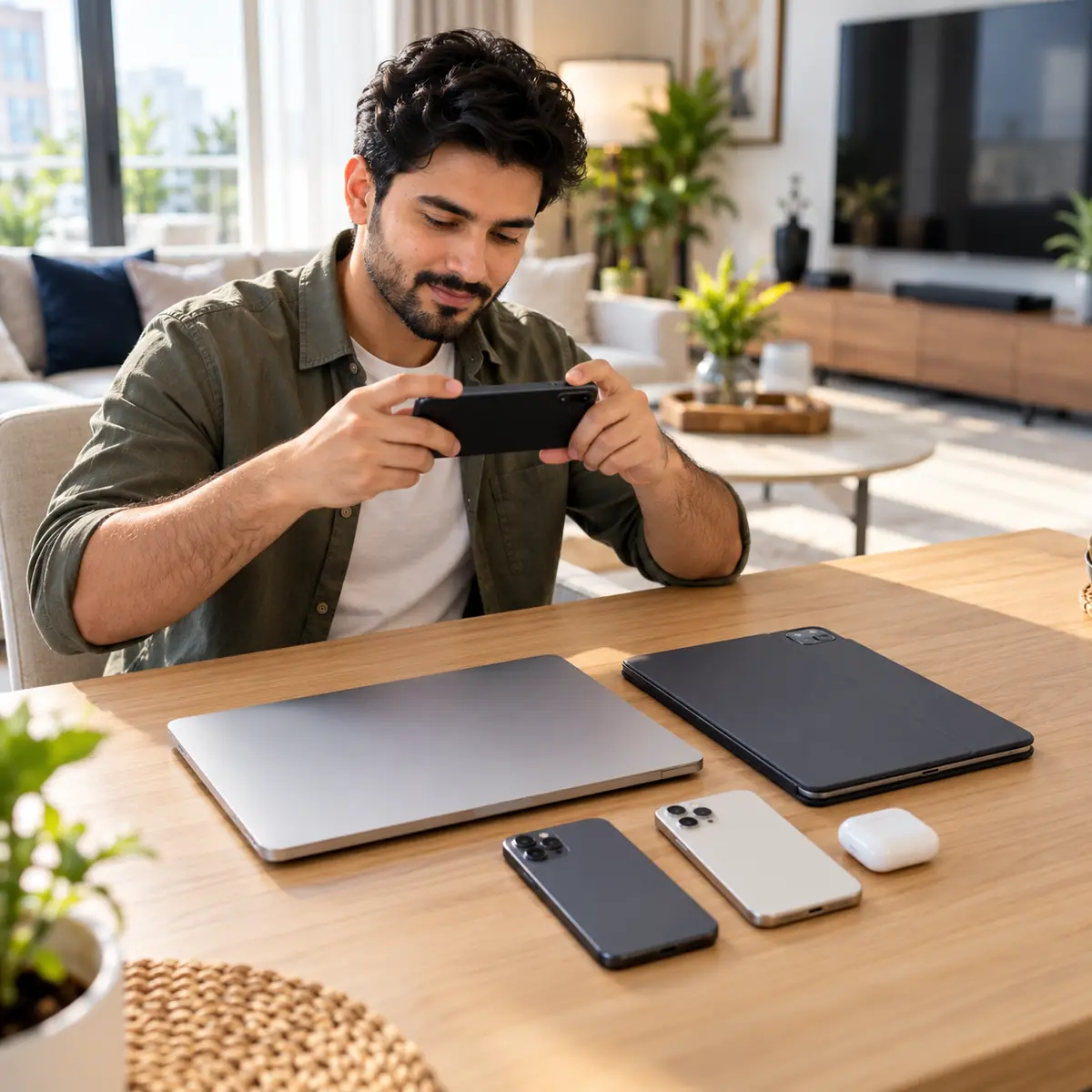
If you are leaving Dubai, upgrading the whole household, or just cleaning up the drawer of old Apple devices, you do not need to make six separate sales. Azizi Technologies runs a consolidated Apple buyback workflow that quotes and purchases iPhones, iPads, MacBooks, iMacs and Mac minis in a single WhatsApp thread and a single cash payout. 19 years, 645 Google reviews, 4.9 stars.
This guide walks through the device categories we cover, the unified photo workflow, the AED tiers across all Apple categories, the data wipe order that matters for each device type, and the one-visit collection process at our Bur Dubai or Media City showrooms.
Device categories we cover
- iPhone - all models 11 and later (some older models case-by-case).
- iPad - iPad, iPad Air, iPad Pro, iPad mini, M1/M2/M4 generations.
- MacBook Air and MacBook Pro - all M-series, plus Intel Pros 2016-2020.
- iMac - M1, M3, plus Intel 2017-2020 (21.5" and 27").
- Mac mini - M1, M2, M4 (Intel mini case-by-case).
- Mac Studio and Mac Pro - M1 Max/Ultra, M2 Max/Ultra (high-value, often by appointment).
- Apple TV - 4K 2nd gen and later.
Unified WhatsApp workflow
- 1Send the device list through the quote form on this page; we reply on WhatsApp with your reference.
- 2Send a list of devices: 'I want to sell: iPhone 15 256GB, iPad Pro M2 11", MacBook Air M2 13" 8GB/256GB.'
- 3We send back the photo brief - which photos and About screens we need for each device (5-6 per device).
- 4You send photos in batches, one device at a time.
- 5We quote each device in AED, with notes if any condition tier is borderline.
- 6Consolidated written quote covering all devices, 7-day validity.
- 7You bring everything to one of our showrooms in one visit. Single cash payment.
How offers compare across Apple devices
| Category | Entry-level | Mid-tier | High-end |
|---|---|---|---|
| iPhone | iPhone 14 128GB | iPhone 15 256GB | iPhone 17 1TB |
| iPad | iPad 10th gen 64GB | iPad Air M2 256GB | iPad Pro M4 11" 256GB |
| MacBook Air | Air M1 256GB | Air M2 13" 256GB | Air M3 15" 512GB |
| MacBook Pro | Pro M1 13" | Pro M3 Pro 14" 18GB | Pro M4 Max 16" 48GB |
| iMac | iMac M1 24" 8GB | iMac M3 24" 16GB | n/a |
| Mac mini | Mac mini M1 8GB | Mac mini M2 16GB | Mac mini M4 Pro |
Apple devices we buy, excellent tier with box (Dubai 2026)
Data wipe order - device by device
Each Apple device category has its own clean-handover procedure. Do them in this order to avoid getting locked out of your own Apple ID partway through.
- 1First - back up everything (iCloud or local) you actually want to keep.
- 2iPhone(s) - Settings - your name - Sign Out, then Erase All Content and Settings.
- 3iPad(s) - same as iPhone.
- 4Apple Watch(es) - on the paired iPhone before you erase the iPhone, open Watch app - All Watches - tap (i) - Unpair Apple Watch. This also removes Activation Lock.
- 5AirPods - Settings - Bluetooth - tap (i) on the AirPods entry - Forget This Device.
- 6MacBook(s) / iMac / Mac mini - sign out of iMessage, FaceTime, App Store, then iCloud - then Erase All Content and Settings (Apple Silicon) or Disk Utility erase + macOS reinstall (Intel).
- 7Finally - sign out of Apple ID on every remaining device, including any device you are keeping but want disassociated.
Common mistake
Erasing the iPhone before unpairing the Apple Watch leaves the Watch in a partially-locked state that needs the original Apple ID password to resolve. Always unpair the Watch first through the paired iPhone, then erase the iPhone. We can help with this in-person if you have already done it in the wrong order.
Selling several devices in one visit
Some buyers in Dubai try to discount bundled buybacks ('sell me four devices and I will give you a flat AED X'). We look at it the other way round. Four or more devices in one visit save us time on intake, paperwork and resale listing, so a bundle is worth asking about. Tell us up front that it is a multi-device sale and we price the batch together.
Boxes and accessories
- iPhone original box - adds to the offer, more on recent models.
- MacBook original box and charger - the charger matters more than the box, so bring both.
- iPad original box and charging cable - a small uplift, still worth bringing.
- AppleCare+ active and transferable - raises the offer, by how much depends on the device and the months left.
Same-visit collection - what to bring
- All devices being sold (powered on if possible).
- Original boxes and accessories you have.
- Apple ID password handy - we may help you complete sign-outs in person.
- Valid Emirates ID for buyback paperwork.
- Original purchase invoices if you have them (helps with valuation upper-bound).
- AppleCare+ certificates if applicable.
Leaving Dubai? Plan for tightness
If you are selling because you are leaving the country, schedule the buyback 7-14 days before your flight, not the day before. Activation Lock issues, missing accessories, and last-minute condition surprises all need buffer time. We are very used to the 'I leave in 10 days' workflow and can usually accelerate, but earlier is always less stressful.
Sell all your Apple devices in one WhatsApp
List what you want to sell on use the quote form on this page. Photos in batches, consolidated written AED quote in 24-48 hours, 7-day validity. Single cash payment at Concord Tower (Media City) or IT Center Building (Bur Dubai). Bundle premium of 3-5% for 4+ devices. 19 years, 645 Google reviews.