

Q&A · WiFi Support Dubai
Slow Download Speed on Mac M4? 7 Real Fixes
Mac M4 downloads slower than your internet plan? Diagnose Wi-Fi band, DNS, VPN and macOS network issues - with the exact settings to change.
4.9 · 645 reviewsTwo Dubai officesMon-Sat 9AM-7PM19 years in Dubai
Quick answer
- Head office
- Concord Tower, Media City
- Second office
- IT Center Building, Bur Dubai
- In Dubai since
- 2007
- Google rating
- 4.9 from 645 reviews
- Hours
- Mon-Sat 9AM-7PM
- Enquiries
- WhatsApp or use the quote form on this page
In short
What this service changes
Three things first, the detail below.
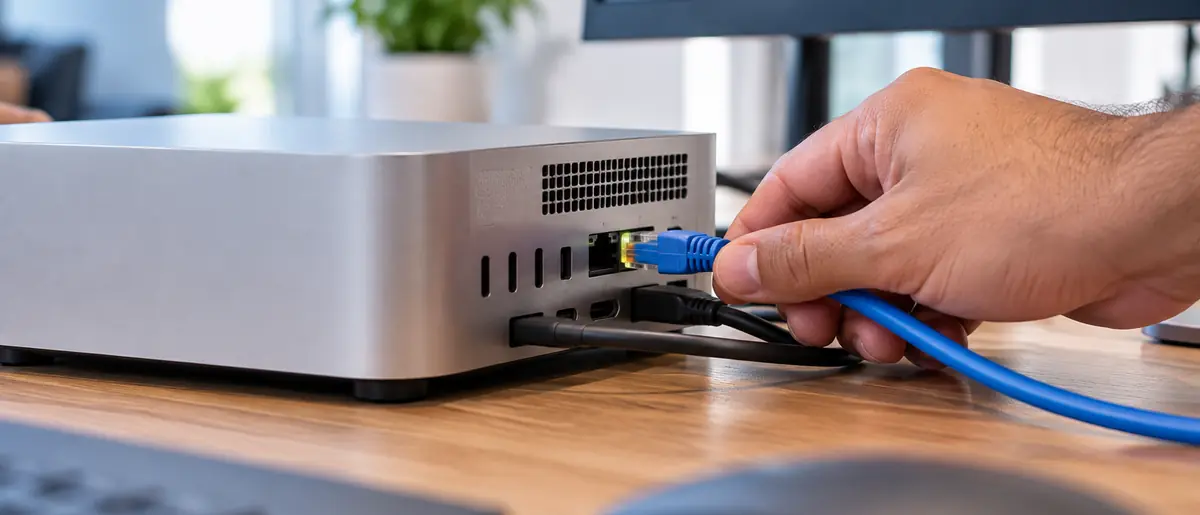
Ethernet test first
It separates a Wi-Fi problem from a connection problem in about a minute.

Private Relay caps throughput
Routing through Apple's proxies is a common and easily missed cause.

VPNs and tracking limits
Both add hops that show up as slower downloads on an otherwise healthy connection.
Key takeaways
Key takeaways
Test wired over Ethernet first. If the wired result matches your plan, the bottleneck is Wi-Fi and not the Mac.
If wired speeds are slow too, the fault is upstream - the ISP, the modem or the cabling in the building - and no macOS setting will fix it.
iCloud Private Relay routes traffic through Apple's proxies and can cap download speed. Turning it off is a one-setting test.
A VPN, or the Limit IP Address Tracking toggle, throttles throughput the same way and should be off while you test.
Band choice decides the ceiling: 2.4 GHz reaches further but caps speed, while 5 and 6 GHz carry a full plan when router and Mac both support 802.11ax or be.
Changing DNS to 1.1.1.1 or 8.8.8.8 fixes browsing that feels slow even when a speed test reports the right number.
If that did not fix it
Wired is slow too
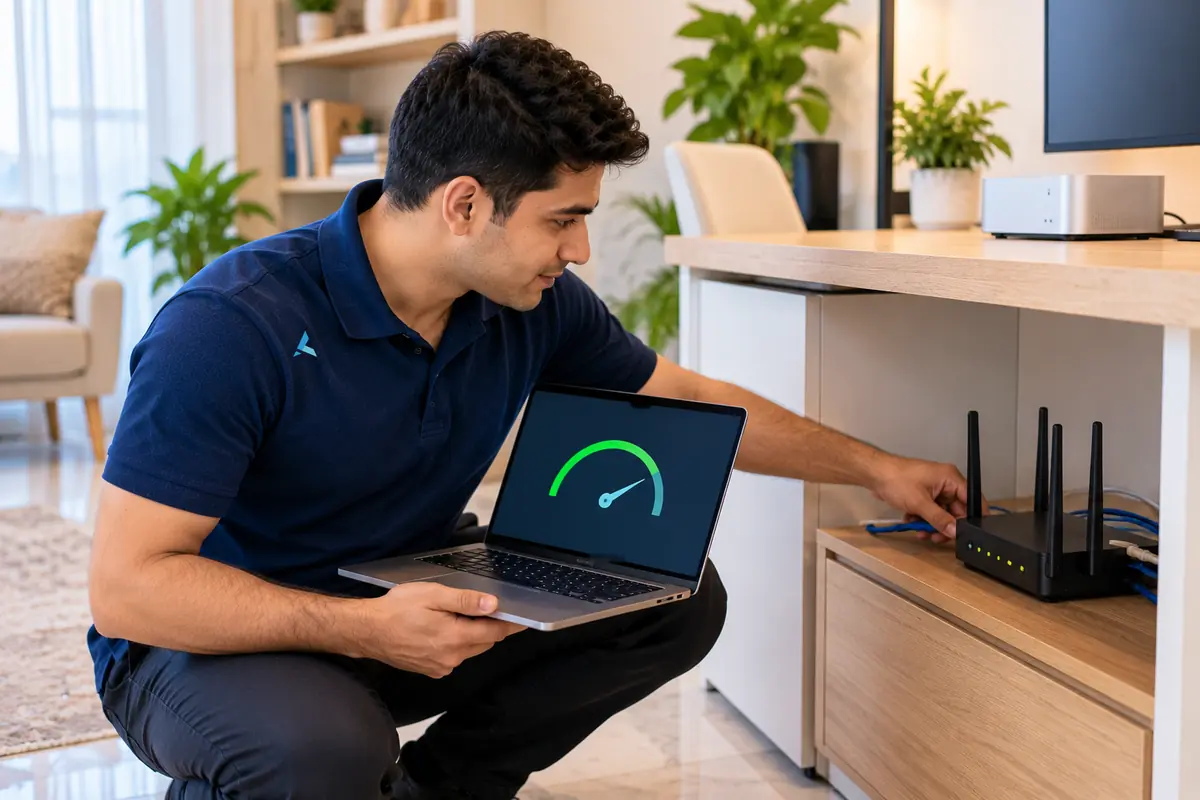
When an Ethernet test is also well under the plan, the bottleneck sits before the Mac: the router, the ONT or the ISP's line profile. We plug a laptop straight into the ONT's LAN port bypassing the router. If that matches the plan, the router is the limit, as ISP-issued units often are.
Run Speedtest wired to the ONT, wired to the router, and on Wi-Fi beside the router, and send the three numbers with the router model on WhatsApp. If the ONT itself is slow, that is an ISP ticket, and we tell you what to say to Etisalat or du to keep the call short.
Test in this order
Wire it up first. Everything else is a guess until you do.
Run a speed test over Ethernet with a USB-C adapter before changing a single setting. If the wired result matches what you pay for, the Mac and your connection are both fine and what you have is a Wi-Fi problem — router placement, which band you are on, or the standard your router supports. That one test removes most of the guesswork and stops you troubleshooting the wrong machine.
If wired is fine and wireless is not, the usual culprits are software rather than radio. iCloud Private Relay routes traffic through Apple's proxies and can cap throughput noticeably. VPNs and IP-tracking limits do the same. Changing DNS to a fast public resolver often helps, and renewing the DHCP lease clears a surprising number of odd cases. If wired speeds are slow too, the problem is upstream of the Mac entirely and belongs with your provider or your router.
It separates a Wi-Fi problem from a connection problem in about a minute.
Routing through Apple's proxies is a common and easily missed cause.
Both add hops that show up as slower downloads on an otherwise healthy connection.
Then it is upstream of the Mac, and no setting on the machine will fix it.
The full answer
Plan says 1 Gbps but Speedtest shows 80? Here's how to find the bottleneck.
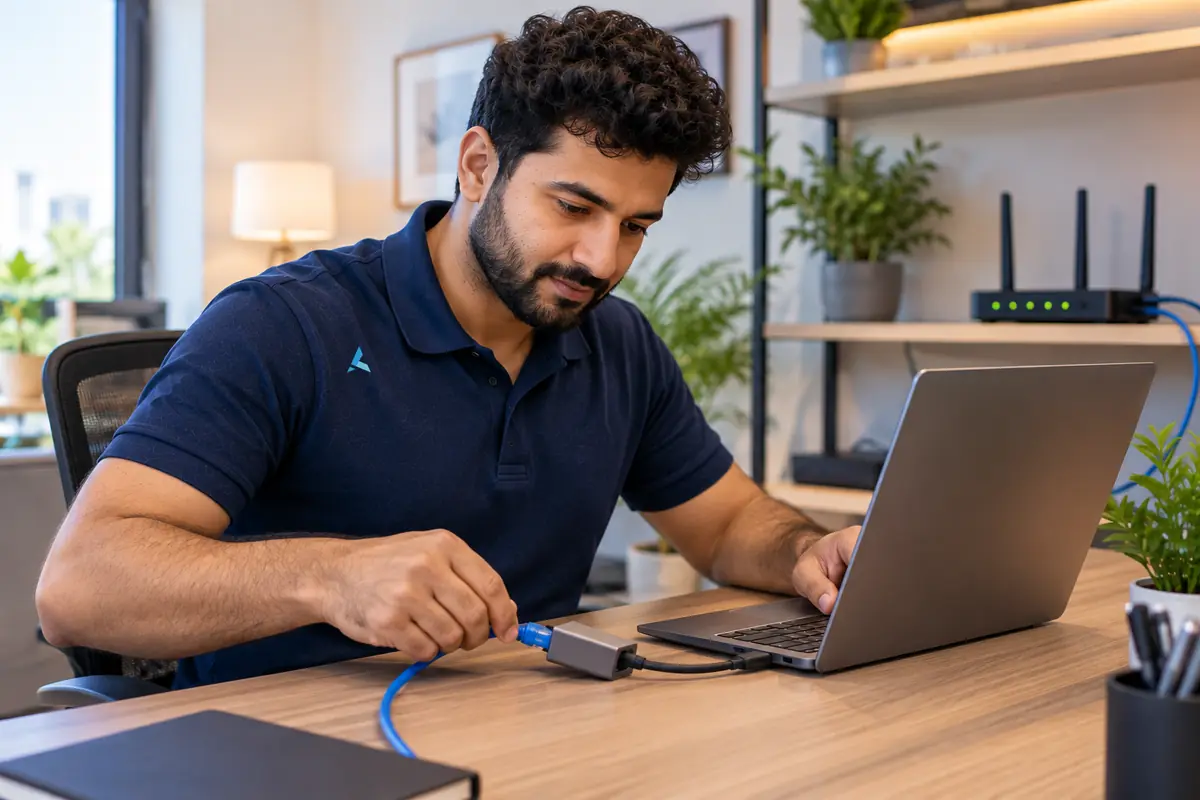
If your Mac M4 is downloading slower than expected, test in this order. 1) Run Speedtest while wired via Ethernet (USB-C adapter). If the wired result matches your plan, it's a Wi-Fi issue - check router placement, 2.4 vs 5 vs 6 GHz band, and 802.11ax/be support. 2) Change DNS to 1.1.1.1 or 8.8.8.8 (System Settings → Network → Wi-Fi → Details → DNS). 3) Disable iCloud Private Relay (System Settings → Apple ID → iCloud → Private Relay) - it routes via Apple's proxies and can cap speeds. 4) Turn off VPNs and any "Limit IP Address Tracking" toggle. 5) Reset SMC / NVRAM (Apple silicon: full shutdown, 30s wait, restart). 6) Renew DHCP lease in Network → Details.
If wired speeds are also slow, the problem is your ISP, modem, or in-home cabling. We troubleshoot Etisalat / du connections and provide WiFi installation across Dubai.
If other devices on the same network download at full speed and only the Mac lags, the fault is in the Mac; see MacBook WiFi repair.
From the bench: what we see with this one
The M4 MacBooks have Wi-Fi 6E, and most routers Etisalat and du hand out are Wi-Fi 5 or Wi-Fi 6, so the 6 GHz band the Mac is capable of is never used. In villas the ONT usually sits by the front door and the router is wherever the engineer could reach, often twenty metres and two concrete walls from the desk. The 5 GHz signal through that is the real cap, and no setting on the Mac changes it.
The other thing we find constantly is the adapter. A USB-C hub with a USB 2 internal hub limits its Ethernet port to under 480 Mbps, and a hub driving a 4K monitor shares its bandwidth with the network port. A plain USB-C to Ethernet adapter, or the 10 Gb port on a Thunderbolt dock, tells the truth about the line.
How Azizi Technologies handles this in Dubai
- Site survey for offices, villas and warehouses across Dubai before any quote.
- Written fixed quote before any work begins - no surprises, no hidden fees.
- Certified network engineers on every job - Ubiquiti, Cisco, Aruba and MikroTik trained.
- 90-day workmanship warranty on every installation.
- Coverage across Dubai including DIFC, JLT, Marina, Business Bay, Downtown, Media City, Jumeirah.
- Same-day callouts available for most Dubai districts.
Find the bottleneck
Wi-Fi problem or ISP problem
One wired Ethernet test separates the two, and it decides whether anything on the Mac is worth changing.
| Wi-Fi or Mac settings | ISP, modem or cabling | |
|---|---|---|
| Wired Ethernet test | Matches the speed on your plan. | Slow over cable too. |
| Speed around the home | Drops with distance and through walls. | Equally slow in every room. |
| Other devices | Some are fine, others are slow. | Every device is slow at once. |
| What to check first | Band, router placement, Private Relay, VPN, DNS. | Modem, the line into the building, in-home cabling. |
| What actually fixes it | Settings changes, or a survey and a better access point. | Etisalat or du need to test the line first. |
Finding us
Office 45, Concord Tower
You will find our main workshop at Office 45, 10th floor, Concord Tower, in Dubai Media City, with a second Azizi Technologies location at the IT Center Building in Bur Dubai. Concord Tower sits by Dubai Internet City metro, and has visitor parking if you drive in (first 15 minutes free, then paid).
No appointment is needed during workshop hours, Mon-Sat 9AM-7PM, Fri break 12-2PM · Sun closed. Remote support runs from both offices, and on-site visits are scheduled from whichever is closer to you.

Where we work on site
Dubai Media City, Internet City, Knowledge Park, Barsha Heights, Bur Dubai, Business Bay, JLT and the wider city from the two offices, with scheduled visits beyond Dubai.

How engagements run
An assessment or site survey first, then a written scope and quote, then installation or onboarding, with ongoing support afterwards.
FAQ
Frequently asked questions
4 direct answers from the Azizi Technologies team.
Why does Speedtest show full speed while App Store downloads crawl?
Can a USB-C hub limit my Ethernet speed?
Should I stop the Mac using the 6 GHz band?
What are your workshop hours and locations?
Explore more from Azizi Technologies
Official sources
Non-competitor sources we use for standards, platform rules and regulatory context.
Talk to the WiFi Support team
Next step
WiFi Support Dubai
Still locked out of your Wi-Fi? Send us your router model and what you have already tried. Azizi Technologies has handled Dubai Wi-Fi since 2007, across Etisalat and du lines. We reply during workshop hours and tell you honestly whether it is a settings fix you can do yourself or needs a technician on site.


Two Dubai offices, both walk-in
Concord Tower in Media City and the IT Center Building in Bur Dubai, Monday to Saturday 9:00 to 19:00.Find our offices
IT AMC Dubai: one written SLA for the whole estate
IT annual maintenance contracts with response times in the contract, for offices with or without in-house IT.IT AMC in DubaiGet a quote
What needs fixing?
Four short steps, about a minute. Tell us the job once and we reply on WhatsApp with a price or a written scope, not a call-back.
4.9 stars from 645 Google reviews. Most enquiries answered within minutes during opening hours.
Read them on GoogleMeet the engineers
Real engineers. Real accountability.
Every job is handled by a certified engineer, the same people clients name in our Google reviews.
IT Support Lead
Usman K., thanked by name in our Google reviews
Microsoft Certified
10+ yrs experience
Senior Apple Repair Engineer
Shafeeq Ur Rehman, owner, on the Mac repair and micro-soldering bench
Apple-certified diagnostics · Board-level repair
12+ yrs experience
Network & Security Lead
Infrastructure and firewall team
Cisco CCNA
14+ yrs experience
Data Recovery Engineer
Drive imaging and board-level recovery bench
PC-3000 toolchain
9+ yrs experience
Finding us
Find your nearest Azizi Technologies workshop
Walk in to either Dubai branch for a free diagnosis, or book a visit. Visitor parking at Concord Tower (first 15 minutes free, then paid) (Dubai Media City).
Dubai Media City
Concord Tower, Office 45, 10th floor
Dubai Media City, Dubai
Find us in Concord Tower, Dubai Media City. Visitor parking at Concord Tower (first 15 minutes free, then paid).
Opening hours:
Mon to Sat: 9:00 to 19:00, Friday break 12:00 to 14:00
Sun: closed
Bur Dubai
G 58, IT Center Building, 21 21A Street
Bur Dubai, Dubai
Find us on the ground floor of the IT Center Building, with the walk-in repair counter.
Opening hours:
Mon to Sat: 9:00 to 19:00, Friday break 12:00 to 14:00
Sun: closed
Azizi Technologies
The numbers behind the team
- Google rating
- 4.9★
- Verified reviews
- 645
- In Dubai since 2007
- 19 years
- On-site response SLA
- 4 hours
- Remote first response
- 15 minutes
- Dubai walk-in offices
- 2