
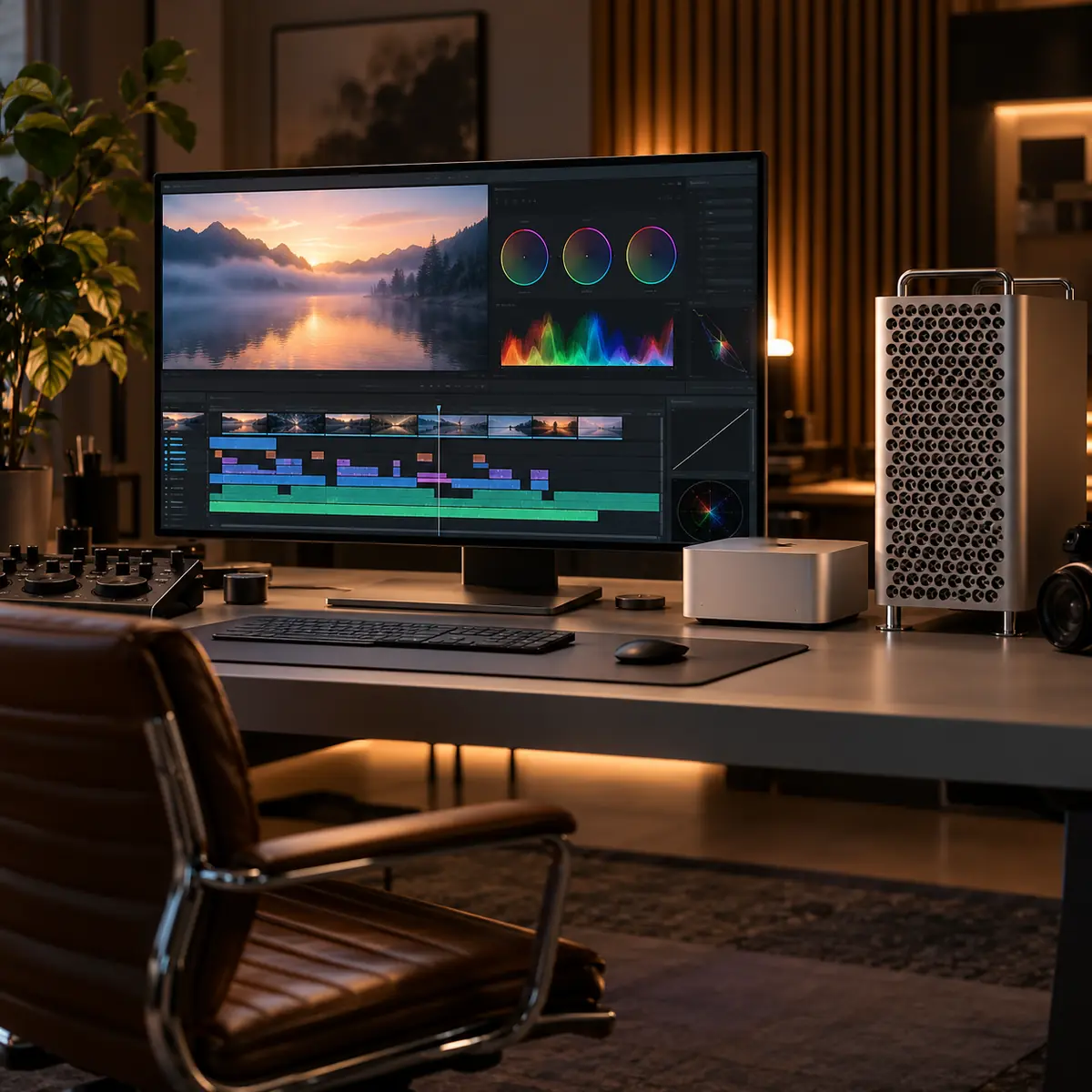
The Mac Pro question Dubai creative professionals ask us has changed in 2026. Apple no longer sells the Mac Pro (its UAE Mac Pro page now redirects to the main Mac page), and the last model was the 2023 M2 Ultra. So the real question is: should I keep my Mac Pro running, or move to a Mac Studio with M5 Max or M5 Ultra? The honest answer involves PCIe slots, professional I/O cards, and a specific set of workflows where an existing Mac Pro still earns its place.
This guide is the detailed comparison Dubai post houses, VFX studios, music studios and broadcast environments need. We deploy and service both machines across the UAE - so the recommendations are based on real client outcomes, not marketing spec sheets.
Headline specs side by side
| Spec | Mac Studio M5 Ultra | Mac Pro M2 Ultra (2023) |
|---|---|---|
| Chip | Apple M5 Ultra | Apple M2 Ultra |
| CPU cores | 30 or 36 | 24 (16P + 8E) |
| GPU cores | 64 or 80 | Up to 76 |
| Neural Engine | M5 generation, 32-core | M2 generation |
| Max unified memory | 512 GB | 192 GB |
| Max internal SSD | 16 TB | 8 TB |
| PCIe slots | 0 | 6 (PCIe Gen 4) |
| Thunderbolt | 6x TB5 | 8x TB4 |
| Form factor | Desktop, small | Tower or rack-mount |
| Base price | Check apple.com/ae for AED | No longer sold by Apple |
| Pro spec cost | Depends on memory and SSD | Existing or used units only |
Mac Studio M5 Ultra vs the last Mac Pro (M2 Ultra)
Where Mac Studio wins decisively
For the majority of Dubai creative professionals, a Mac Studio with M5 Max or M5 Ultra is the better choice, and it is the only one of the two Apple still sells. The reasons:
- Newer chip - the M5 Ultra is three generations newer than the M2 Ultra in the last Mac Pro, with more CPU and GPU cores and 1.2TB/s of memory bandwidth
- Still on sale - a new Mac Studio comes with Apple's warranty, while a Mac Pro now only comes second-hand
- Smaller footprint - fits under or on a desk vs the tower or rack form factor of Mac Pro
- Quieter under load - Mac Studio cooling is more efficient at lower noise levels
- Newer Thunderbolt 5 ports - faster external storage and eGPU bandwidth potential
- Power consumption - Mac Studio draws less from the wall, lower AC load (relevant in Dubai)
- Resale value holds well - active second-hand market in DMC and Tecom
Where an existing Mac Pro still earns its place
Apple has stopped selling it, but a working Mac Pro is not obsolete. There are specific workflows where the PCIe slots and tower form factor still matter enough to keep one running.
1. Pro Tools HDX dedicated DSP
If you run Pro Tools HDX with Avid HDX cards (3-4 cards in a heavy mixing rig), you need PCIe slots. Mac Studio cannot accept HDX cards - period. Major Dubai post-production audio houses still use Mac Pro for this reason.
2. Decklink or AJA capture cards
Broadcast and live production environments often need Blackmagic Decklink or AJA Kona capture cards for SDI input/output, particularly for live colour grading or broadcast playout. Some of these workflows can be served by Thunderbolt-equipped Decklink units, but the PCIe versions are still preferred for ultra-low-latency and multi-channel SDI.
3. Shared storage HBA cards
Large post-production facilities running shared storage (Avid Nexis, EditShare, Quantum) often want a fibre-channel or 25 GbE HBA card directly in the workstation rather than via Thunderbolt adapter. Mac Pro accepts these natively.
4. RAID controller cards
OWC SoftRAID, ATTO ThunderLink and similar high-performance RAID solutions can be PCIe-native on Mac Pro for the lowest possible latency. Mostly relevant for VFX and 3D animation facilities working with massive uncompressed datasets.
5. Rack-mount form factor for facilities
The Mac Pro was also sold as a rack-mount unit, useful for facilities that centralise compute in a server room with remote KVM access. Mac Studio is desk-only.
Rule of thumb
If you cannot name a specific PCIe card you genuinely need, you do not need a Mac Pro. The vast majority of Dubai creative pros - even ones with serious workloads - are better served by a Mac Studio M5 Max or M5 Ultra plus high-end Thunderbolt 5 peripherals.
By workflow - what to run
| Workflow | Recommendation | Rationale |
|---|---|---|
| 4K-6K video editing | Mac Studio M5 Max or M5 Ultra | PCIe not needed, Thunderbolt 5 SSD is fast enough |
| 8K video, heavy grade | Mac Studio M5 Ultra | Newer chip, more memory than any Mac Pro |
| VFX with Nuke, Houdini | Mac Studio M5 Ultra | GPU and RAM dominate, PCIe rarely needed |
| 3D animation, Cinema 4D, Blender | Mac Studio M5 Ultra | Same as VFX |
| Pro Tools HDX mixing | Keep your existing Mac Pro | HDX cards require PCIe slots |
| Native Pro Tools mixing (no HDX) | Mac Studio M5 Max or M5 Ultra | Native plugins, no PCIe need |
| Logic Pro orchestral composing | Mac Studio M5 Ultra | RAM and CPU win, no PCIe need |
| Live broadcast playout | Keep your existing Mac Pro | Decklink PCIe cards still preferred |
| AI and ML inference workloads | Mac Studio M5 Ultra | Newer Neural Engine, more bandwidth |
| Photo, design, illustration | Mac Studio M5 Max or a Mac mini | Mac Pro is wildly overspecced |
Mac Studio vs Mac Pro by Dubai creative workflow
Total cost of ownership in Dubai
TCO over 5 years matters more than headline price. For a Mac Pro you already own, the question is running cost against the cost of replacing it.
- New Mac Studio M5 Ultra: the purchase price from apple.com/ae, then over 5 years an AMC and one thermal service, which is a small slice of the purchase price
- Existing Mac Pro: no purchase cost, the same AMC and thermal service plus PCIe card maintenance, and parts get harder to source as the machine ages
- Resale: Mac Studios have an active second-hand market in DMC and Tecom; a Mac Pro has a much smaller pool of buyers in Dubai
- Power: Apple rates the M5 Mac Studio at 480W maximum continuous power, well below a Mac Pro tower, so heavy daily use shows less on the DEWA bill
Service and repair considerations
We service both machines daily. There are some real differences in serviceability that matter over a 5-7 year ownership horizon.
- Mac Studio: Fully closed system. Component-level repair is possible and we quote it after diagnosis. SSD soldered. Cannot upgrade RAM or storage after purchase.
- Mac Pro M2 Ultra: PCIe cards swappable. SSDs in modules (still paired to Apple T2 / Apple Silicon equivalent). RAM same as Mac Studio - on-package, not upgradeable.
- Mac Pro repairs usually quote higher than Mac Studio because the chassis is larger and there are PCIe cards to isolate before we find the fault
- Out-of-warranty board swaps at Apple are quoted per machine and usually cost more on a Mac Pro than on a Mac Studio
Real Dubai studio decisions
- Dubai-based regional ad agency: chose 6x Mac Studio M4 Max for editorial team, kept 1x Mac Pro M2 Ultra for the lead audio mixer running Pro Tools HDX
- Boutique VFX studio in Studio City: 4x Mac Studio M3 Ultra for 3D artists, no Mac Pros - PCIe was not justified
- Documentary production house: 2x Mac Studio M3 Ultra for colourists, 1x Mac Pro for the audio post mixer with HDX
- Government broadcast facility: Mac Pro chosen for SDI playout suite, Mac Studio for ingest and editorial
- Music label in Tecom: 100% Mac Studio fleet, M4 Max and Ultra mix, no PCIe requirement anywhere in workflow
Mac Studio or Mac Pro - need help deciding?
30-minute Dubai workflow consultation. We will look at your real workflow and tell you whether to keep, repair or replace your current machine, and which Mac Studio to buy if you replace it.





