
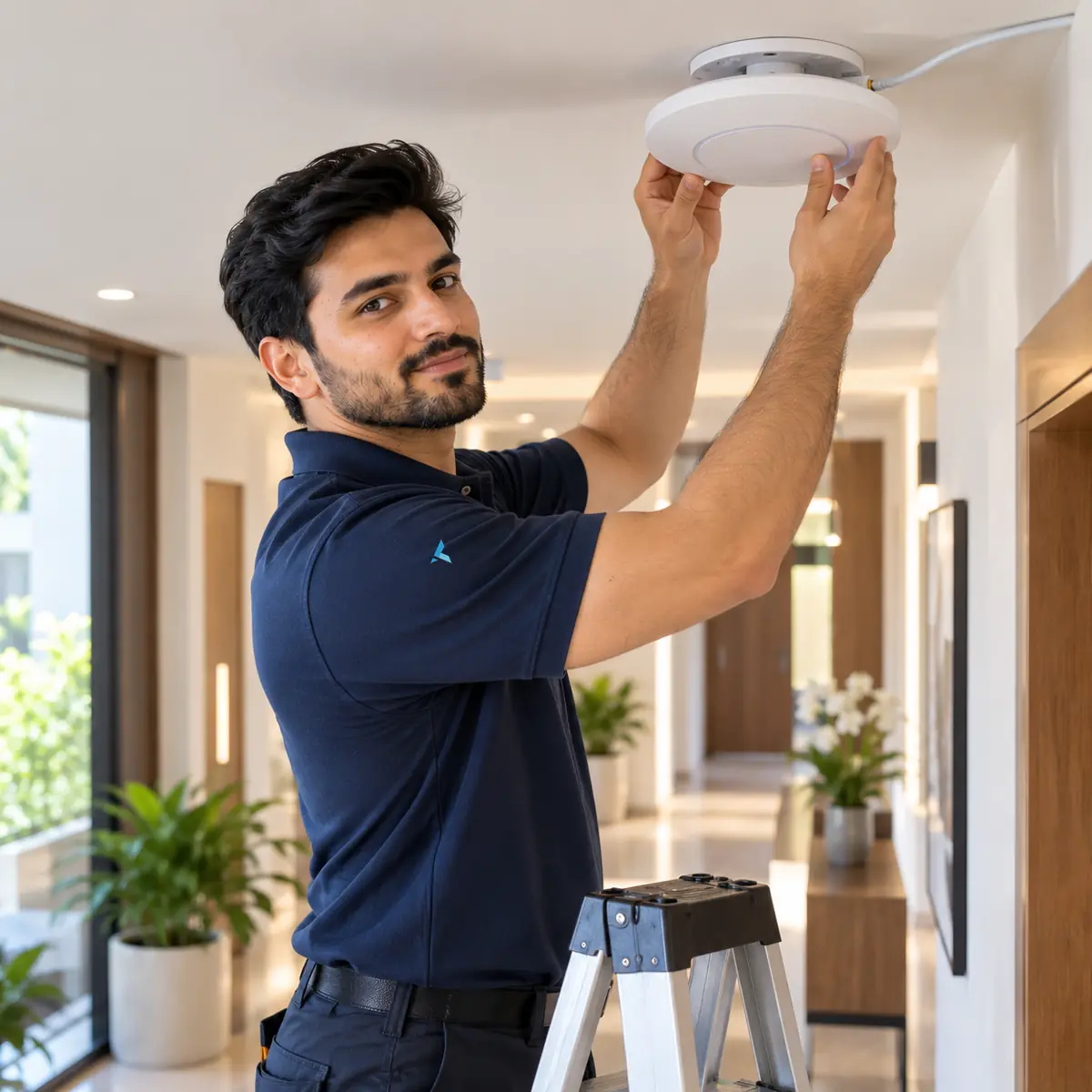
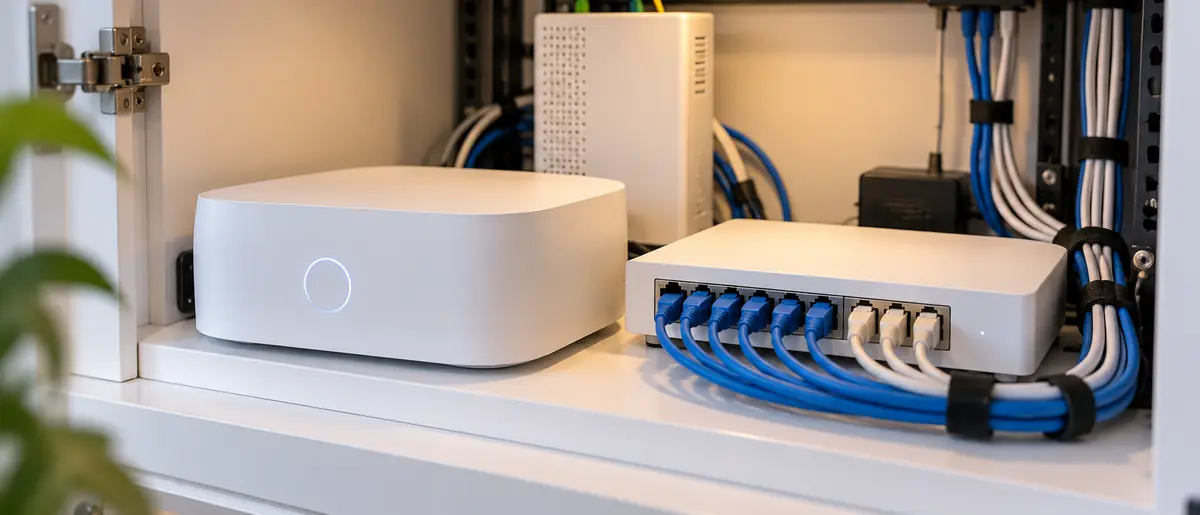

Ubiquiti UniFi is the most-deployed prosumer-and-SMB network stack in Dubai - tens of thousands of UDM Pro plus U6 Pro deployments across Marina apartments, Jumeirah villas, JLT offices, Business Bay coworking spaces and Tecom SMBs. The reason: enterprise-grade features at consumer pricing, no recurring licence fees, excellent management dashboard. Here's the complete UniFi install guide our Ubiquiti UEWA-certified technicians run on every Dubai job - controller choice, adoption, VLANs, ISP bridge mode and the self-install mistakes we fix most often.
Do you need a Cloud Key, or is a Dream Machine enough?
For most Dubai installs in 2026, a UniFi OS console (UDM, UDM Pro or UDM Pro Max) is the right answer and a Cloud Key is unnecessary. One box runs the Network controller, router, firewall and optional Protect cameras. Choose a Cloud Key Gen2+ (AED 750) only when an existing firewall - say a mandated FortiGate - must stay in place and UniFi only manages the APs and switches behind it. Self-hosting the free Network application on a PC works for hobbyists, but you lose integrated IDS/IPS and add a box that must stay on 24/7.
Which UniFi hardware fits which Dubai site size?
Start with the right controller. Studio apartment to 2-bed villa: UDM (Dream Machine, AED 1,200) is enough. 3-bed villa to 25-person office: UDM Pro (AED 1,800). 25-100 person office or multi-floor villa: UDM Pro Max (AED 2,400) plus dedicated USW-Pro-24-PoE switch (AED 2,800). Add U6 Pro APs at AED 800 each for indoor coverage, U6 Mesh for ceiling mount, U6-IW for in-wall, or U6 Outdoor / U7 Outdoor for gardens, pool decks, and warehouse yards.
| Model | Standard | Dubai street price | Best for |
|---|---|---|---|
| U6 Lite | Wi-Fi 6 dual-band 2x2 | AED 450 | Bedrooms, studios, budget multi-AP villas |
| U6+ | Wi-Fi 6 dual-band | AED 550 | Apartments, small shops |
| U6 Pro | Wi-Fi 6 dual-band 4x4 | AED 800 | Default office and villa workhorse |
| U6 Mesh | Wi-Fi 6, indoor/outdoor | AED 700 | Gardens, pergolas, wireless-uplink spots |
| U6 Enterprise | Wi-Fi 6E tri-band | AED 1,300 | High-density offices, 6 GHz clients |
| U7 Pro | Wi-Fi 7 tri-band | AED 1,500 | New builds, future-proofed offices |
| U7 Pro Max | Wi-Fi 7 high-capacity | AED 2,200 | Meeting-heavy floors, 100+ client zones |
| U7 Outdoor | Wi-Fi 7, IP67-rated | AED 1,600 | Pool decks, yards, outdoor F&B |
UniFi access point street prices in Dubai - 2026
PoE switches: budget for power, not just ports
Every AP draws PoE, so the switch's PoE budget matters as much as its port count. USW Lite 8 PoE (AED 420, 52W budget) powers 3-4 U6 Pro APs in a villa; USW Pro 24 PoE (AED 2,800, 400W) carries a 25-100 person office with headroom. Budget roughly 13W per U6 Pro, 22W per U6 Enterprise and up to 30W for U7 and outdoor units.
Check the PoE budget twice
A switch with 16 PoE ports but a 45W budget can fully power only three or four modern APs. Oversubscribed PoE is the silent cause of APs rebooting randomly at peak hours - we see it weekly on Dubai self-installs.
AP placement: the decision that drives 70 percent of WiFi quality
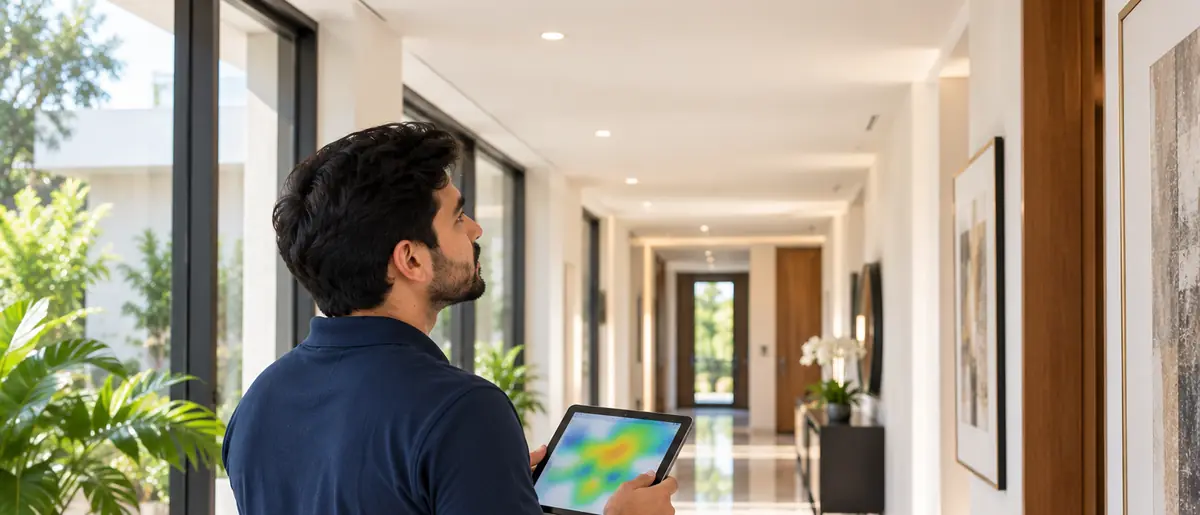
Every UniFi install starts with a 60-minute Azizi Technologies site survey using Ekahau or NetSpot to plan AP placement. Rules of thumb: 1 AP per 100-150 m2 of clear-line-of-sight space, 1 AP per 50-80 m2 in concrete-walled Dubai villas, 1 AP per 25-30 desk users in open-plan offices, 1 AP dedicated to each large meeting room (8+ seats). Mount APs ceiling-centre, not corner. Avoid placing APs above false ceilings stuffed with metal HVAC ductwork - signal pattern gets shredded.
"Nine out of ten 'weak WiFi' callouts in Dubai trace back to AP count or placement, not the brand on the box. Get the survey right and the rest is paperwork."
Why wire the backhaul wherever possible?
UniFi mesh is good - but wired backhaul (each AP plugged into a PoE switch via Cat 6 or Cat 6a) is dramatically better. Standard Azizi Technologies UniFi install runs ethernet to every AP location during the cabling phase. If retrofit and walls cannot be opened, wireless mesh backhaul is acceptable on Wi-Fi 6E APs (U6 Pro, U6 Enterprise) - but expect 50-60 percent throughput hit when traffic crosses 2+ mesh hops.
How do you adopt UniFi devices and bring the controller online?
Adoption - the console taking ownership of each AP and switch - takes under two minutes per device on a clean network. This sequence avoids 95 percent of adoption failures:
- 1Install the console at the head end: ISP ONT or modem into the UDM WAN port, power on, run the setup wizard from the UniFi app
- 2Create a UI.com account with two-factor authentication and link the console for remote access
- 3Update the console to current stable firmware before adopting anything else
- 4Patch each AP and switch into PoE ports (or injectors) and wait for the steady white LED
- 5Open Network > Devices, click Adopt on each device, and let queued firmware updates finish
- 6Name devices by location ('AP-Majlis', 'AP-Office-East') and pin them on the floor-plan map
- 7Create networks and VLANs first, then SSIDs, then test roaming by walking the site on a video call
How should VLANs split staff, guest and IoT traffic?
Standard UniFi VLAN layout we deploy: VLAN 1 (default, management), VLAN 10 (staff, full internal access), VLAN 20 (guest, isolated from internal, internet only), VLAN 30 (IoT, isolated from internal AND from internet for some IoT, full internet for others), VLAN 40 (servers / NAS, restricted access), VLAN 99 (admin / IT, restricted). Each VLAN gets a separate SSID broadcast from the same APs. Inter-VLAN traffic firewalled at the UDM Pro.
The VLAN that everyone forgets
Many UniFi installs skip the IoT VLAN and put smart TVs, printers and badge readers on the staff SSID. Then a compromised printer can reach the file server. Always isolate IoT - it's two extra clicks at install and saves you from the most common SMB breach pattern.
What controller settings should every Dubai install use?
Standard UniFi Network application baseline settings we apply on every install: enable 802.11k/v/r fast roaming, set Minimum RSSI to -75 dBm (kicks off clients with weak signal so they roam to a closer AP), enable band steering with prefer 5 GHz, disable legacy 802.11b rates on 2.4 GHz (kills backwards-compat speed killers), set DTIM to 1 on staff SSID and 3 on IoT SSID, enable WPA3-Transition on staff SSID, WPA3-only on a new build, WPA2-PSK on guest SSID, enable Captive Portal on guest if hotspot use case.
How do you put Etisalat and du routers into bridge mode for UniFi?
The clean setup is the ISP equipment in bridge mode with the Dream Machine doing the routing - one router, one NAT, full UniFi visibility. On Etisalat, request bridge mode via 101 or your account manager; the ONT then hands the public IP straight to the UDM WAN port (older eLife circuits still need PPPoE credentials on the UDM). On du, call 155 business support and ask for bridge or L2 mode - first-line agents sometimes refuse, so ask for escalation; it is supported. Two caveats: eLife TV set-top boxes ride a separate IPTV VLAN - keep the TV port on the ISP router - and move static-IP assignments to the UDM before unplugging the old router.
Double NAT: the symptom checklist
An ISP router left in router mode in front of a UDM means double NAT: CCTV apps that work on WiFi but not on 4G, PS5/Xbox 'strict NAT' errors, VoIP one-way audio, broken port forwarding. If bridge mode is refused, at minimum put the UDM's WAN IP in the ISP router's DMZ.
What is the firmware and security baseline?
Update every UniFi device to current stable firmware before handover. Enable automatic firmware updates within a 02:00-04:00 maintenance window. Enable Threat Management (paid licence not required for basic IDS/IPS in 2026). Set up Site Magic for multi-site clients (each Dubai branch gets its own site, all rolled up in the same dashboard). Configure remote access via UniFi Site Manager - removes the need for VPN-to-controller from anywhere in the world.
What should a professional handover include?
Every Azizi Technologies UniFi install ends with a written handover document: network topology diagram, VLAN and IP plan, SSID list with passwords (in sealed envelope), AP placement map, controller admin credentials, support contact, escalation path. Plus a 30-minute walkthrough with the client IT lead or business owner showing them where to find the dashboard, how to add a guest password, and how to read the alerts panel.
What are the most common UniFi self-install mistakes in Dubai?
Seven mistakes account for most of the UniFi rescue jobs we attend across Dubai:
- Transmit power left on High everywhere - clients cling to far APs instead of roaming; use Medium indoors
- One AP expected to cover a 350 m2 villa because 'it's enterprise gear' - concrete still wins; survey first
- APs hidden inside TV cabinets or above foil-backed false ceilings, shredding the antenna pattern
- A cheap unmanaged switch dropped mid-run, silently stripping VLAN tags and breaking the guest network
- 40 MHz width forced on 2.4 GHz, jamming every neighbour - keep 2.4 GHz on 20 MHz
- Wireless-uplink APs parked behind two concrete walls, then 'mesh is slow' gets blamed on UniFi
- No UPS on the UDM and core switch - Dubai summer power blips corrupt controller databases
When does DIY make sense - and when should you call Azizi Technologies?
DIY is genuinely fine for a studio or one-bed apartment: one UniFi Express or UDM, default settings, 30 minutes, done. Call a professional when: three or more APs, new ethernet runs through finished walls, VLAN or guest-portal requirements, a business that loses money when WiFi drops, or a concrete-built villa over 300 m2. Professional UniFi installation in Dubai is priced on AP count, cable runs and configuration work, and a proper quote covers the survey, cabling, configuration and a documented handover.
Want UniFi done right the first time?
Fixed-price UniFi installation across Dubai - survey, tidy cabling, full configuration, written handover. Monitoring and support plans are quoted to the size of your network.

UniFi vs TP-Link Omada: which should a Dubai SMB pick?
Pick UniFi when dashboard quality, ecosystem breadth and resale value matter; pick Omada when every dirham counts and requirements are simple. Both are licence-free and well stocked in Dubai. The honest comparison for a 4-AP office:
| Factor | Ubiquiti UniFi | TP-Link Omada |
|---|---|---|
| Hardware for 4-AP office | AED 6,500-7,500 (UDM Pro + PoE switch + 4x U6 Pro) | AED 4,500-5,500 (OC200 + PoE switch + 4x EAP670) |
| Licence fees | None | None |
| Controller | Built into UDM consoles | OC200/OC300 (AED 350-900) or free software |
| Wi-Fi 7 stock in Dubai | U7 line widely available | Arriving, thinner stock |
| Dashboard and app | Best in class | Functional, less polished |
| Best for | SMBs, villas, multi-site owners | Tight budgets, staff housing, simple offices |
UniFi vs TP-Link Omada for a 4-AP Dubai office - 2026
Common Dubai-specific UniFi gotchas
- Etisalat eLife modems block UDM Pro's automatic IP renewal - manually request a new lease after install
- du Business modems sometimes refuse bridge mode by default - escalate to du business support (155) for L2 enablement
- U6 Outdoor APs need TPE-1 (PoE++ injector) for full 6 GHz operation - basic PoE undersupplies and causes random reboots
- Some Dubai building risers have voltage drop issues - test PoE budget end-to-end with a multi-meter before relying on it
- UniFi cloud access from China-based travelers fails - use VPN or Site Manager remote
Buy from UAE-authorised distributors
Grey-import UniFi from marketplace sellers is often US-region stock with no UAE warranty path. Authorised distributor stock costs 5-10 percent more and saves weeks when an AP needs RMA.
Dubai UniFi site survey + quote
Send your address and AP count needs - our technicians will do a 60-minute site survey, design the UniFi layout, and email an itemised quote.




